

Does Tuya camera microSD cloud storage really improve security?
Tuya camera microSD cloud storage combines local recording with cloud backup to reduce missed footage, improve reliability, and provide flexible access from anywhere. This hybrid approach gives families, homeowners, and caregivers stronger protection because recordings remain available even when one storage method fails.
Tuya Camera MicroSD Cloud Storage: Maximize Security and Access
⏱ 6 min read
Parents, homeowners, and caregivers often worry about missing important moments—whether monitoring a sleeping baby, checking on an elderly family member, or reviewing unexpected activity at home. Tuya camera microSD cloud storage creates a smarter monitoring experience by combining dependable local recording with secure cloud access, helping you stay connected and confident wherever you are.
Have you ever searched for a recording only to discover it was overwritten, unavailable, or stored on a device you cannot access immediately? A dual-storage setup helps solve these problems by keeping everyday footage available locally while protecting important clips through cloud backup.
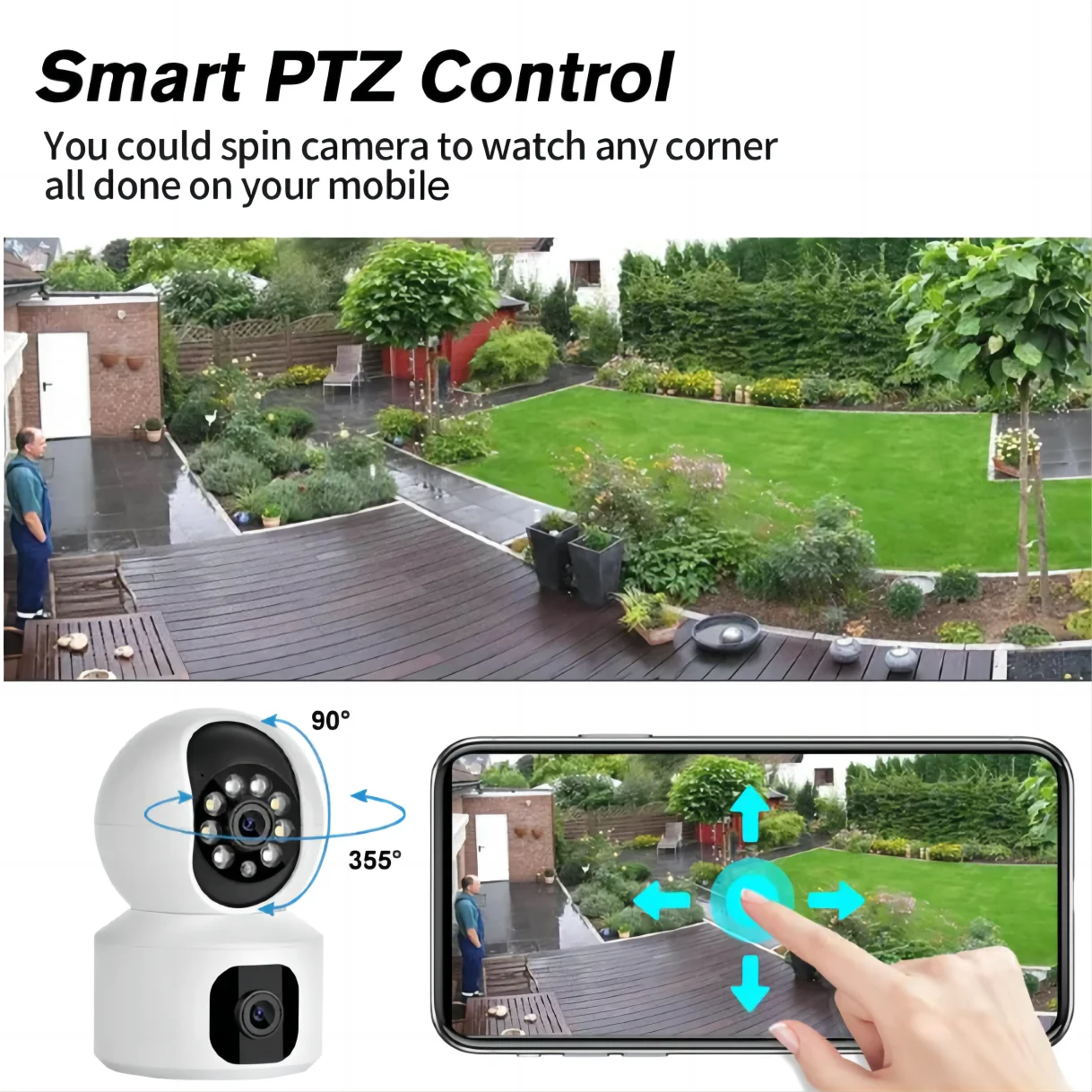
Tuya camera microSD cloud storage with tuya camera cloud storage for reliable backup See it in action
What is Tuya Cloud Storage and how does it work?
Tuya Cloud Storage is a cloud-based recording service that allows compatible Tuya cameras to upload video clips securely online instead of relying only on a physical memory card. When paired with Tuya camera microSD cloud storage, users can combine local recording and cloud backup for better reliability, easier playback, and remote access.
How event recordings are uploaded
When a compatible Tuya camera detects motion, sound, or another configured event, it can create a recording and upload the clip to cloud storage. The Tuya Smart app then allows users to review saved events without removing the SD card or staying connected to the same Wi-Fi network.
Supported Tuya cameras and devices
Tuya Cloud Storage support depends on the camera model, firmware, and app configuration. Many smart security cameras with cloud-enabled features support:
- Motion-triggered cloud recordings
- Remote video playback through the app
- Secure event history storage
- Optional microSD card recording
Families using Monitoring Devices often choose this setup because it provides both convenient access and local recording flexibility.
Cloud recording workflow
The typical Tuya cloud storage setup follows a simple process:
- The camera detects an activity event.
- The recording is processed and uploaded securely.
- The cloud stores the clip based on the selected plan.
- The user views or downloads recordings through the app.
Do you need Tuya Cloud Storage?
Tuya Cloud Storage is not required for every user, but it can provide valuable protection when recordings need to remain accessible outside the home. Whether it is worth paying for depends on how you use your camera and how important long-term access is.
When cloud storage is worth paying for
Tuya camera cloud storage is especially useful for:
- Parents monitoring children or caregivers
- Homeowners who need evidence after unexpected events
- Users who want access while traveling
- People concerned about camera theft or damage
When local storage is enough
Tuya camera local storage may be sufficient if you only need basic recording inside your home and regularly check footage from the same camera. A microSD card can store continuous recordings without requiring a subscription.
However, local storage has limitations. If the camera is damaged, stolen, or the SD card fails, stored footage may no longer be available.
Tuya Cloud Storage vs SD card storage
Choosing between Tuya cloud vs SD card depends on your priorities. Local storage provides affordable continuous recording, while cloud storage improves accessibility and backup protection. Using both together creates the strongest setup.
Cloud vs local recording
| Feature | microSD Only | Cloud Only | microSD + Cloud |
|---|---|---|---|
| Works without internet | ✅ | ❌ | ✅ |
| Remote access anytime | ❌ | ✅ | ✅ |
| Backup if camera is lost | ❌ | ✅ | ✅ |
| Continuous recording | ✅ | Usually event-based | ✅ |
Using cloud and microSD together
Tuya camera microSD cloud storage works best when both options complement each other. The SD card can handle regular recording, while cloud storage protects important events and makes playback easier from anywhere.
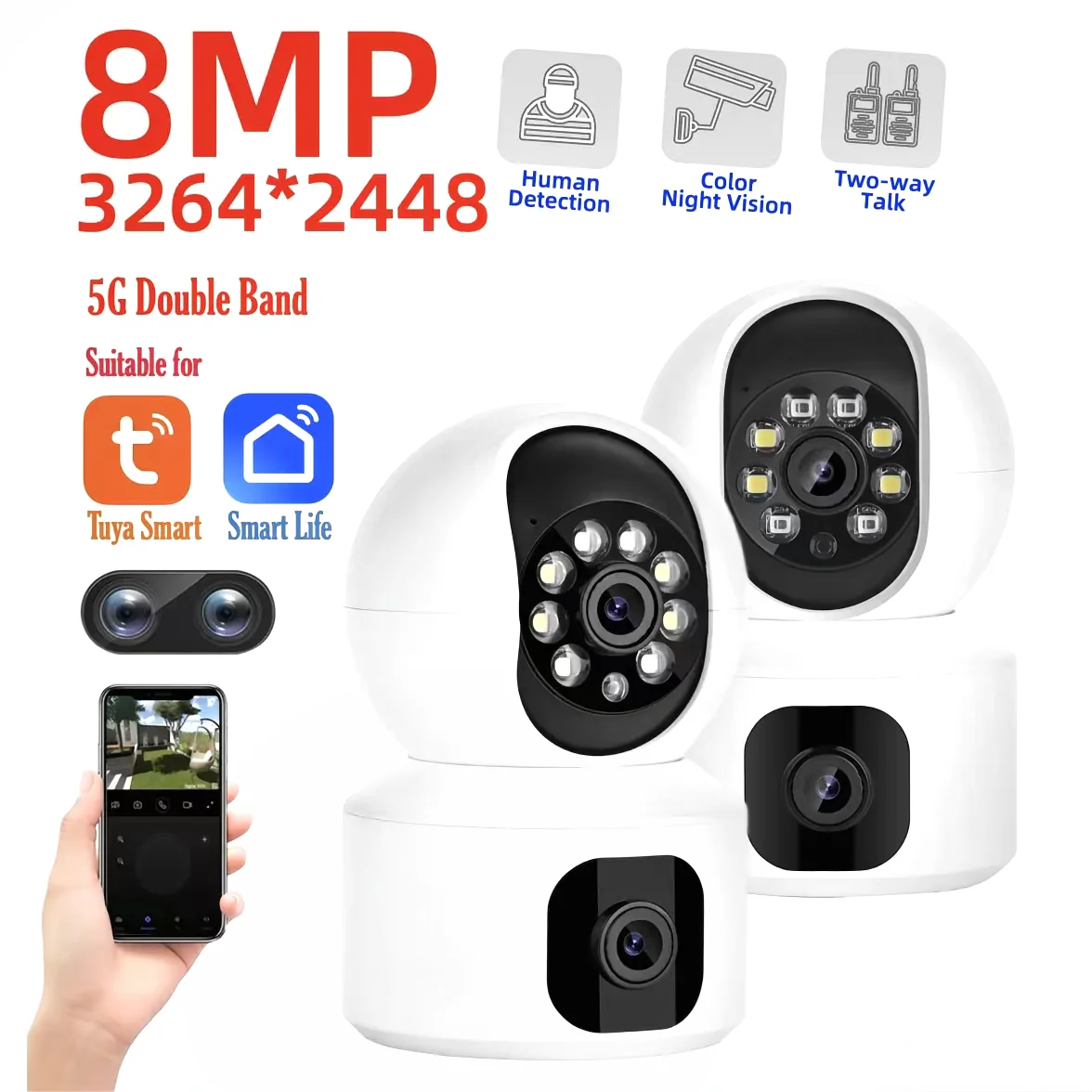
Tuya camera cloud storage paired with microSD for flexible access See it in action
Tuya Cloud Storage plans, pricing, and retention
Tuya cloud storage price and features vary depending on the camera manufacturer, region, subscription package, and retention period. Most plans are designed around how long users want recordings saved and how many devices require cloud backup.
Subscription tiers
Common cloud storage options may include:
- Basic plans for individual cameras
- Extended retention plans for longer video history
- Multi-device plans for homes with several cameras
Video retention periods
Retention determines how long cloud recordings remain available before automatic deletion. Shorter plans may work well for occasional monitoring, while longer retention is better for security-focused users who need historical footage.
What happens when a plan expires
When a Tuya cloud storage subscription expires, previously stored cloud recordings may no longer remain accessible depending on the service terms. Cameras can often continue using local microSD recording if supported.
How to set up Tuya Cloud Storage
A proper Tuya cloud storage setup usually takes only a few steps through the Tuya Smart app.
Activate a subscription
- Open the Tuya Smart app.
- Select your compatible camera.
- Choose the cloud storage option.
- Select and activate an available plan.
Enable cloud recording
After activation, check recording settings to confirm event detection, cloud backup, and notification preferences are enabled.
View and download recordings
Cloud recordings can typically be accessed from the app playback section. Important clips can be reviewed remotely and downloaded when available.
Common Tuya Cloud Storage problems and fixes
Although Tuya cloud storage is designed for convenience, users may occasionally experience setup or recording issues. Most problems can be resolved through simple checks.
Cloud recordings not appearing
If recordings are missing, check internet connectivity, camera permissions, event detection settings, and whether the subscription is active.
Subscription not activating
Activation issues may occur because of account mismatches, payment errors, or app synchronization delays. Updating the app and restarting the camera can help refresh the connection.
Playback issues
Slow playback may be caused by weak Wi-Fi, outdated firmware, or temporary cloud service delays. Testing another network can help identify the cause.
SD card detection problems
If your Tuya camera SD card is not recognized, confirm that the card format is supported, reinstall the card correctly, and check whether the camera firmware requires an update.
Privacy, security, and data protection
Because security cameras capture personal spaces, privacy protection is an important consideration when using Tuya cloud storage.
Encryption
Cloud-based camera systems typically use security measures designed to protect data during transfer and storage.
Account security
Users should protect their accounts with strong passwords, avoid sharing login details, and enable available security features.
Data access and sharing
Only share camera access with trusted people. Review connected devices regularly and remove access that is no longer needed.
How to choose the right Tuya camera storage setup
- Select a camera compatible with microSD and cloud backup.
- Choose a microSD card size based on daily recording needs.
- Enable cloud storage for important clips and alerts.
- Test remote access through the app before relying on it.
Families often bundle cameras with items from Baby Care Essentials to simplify daily routines.
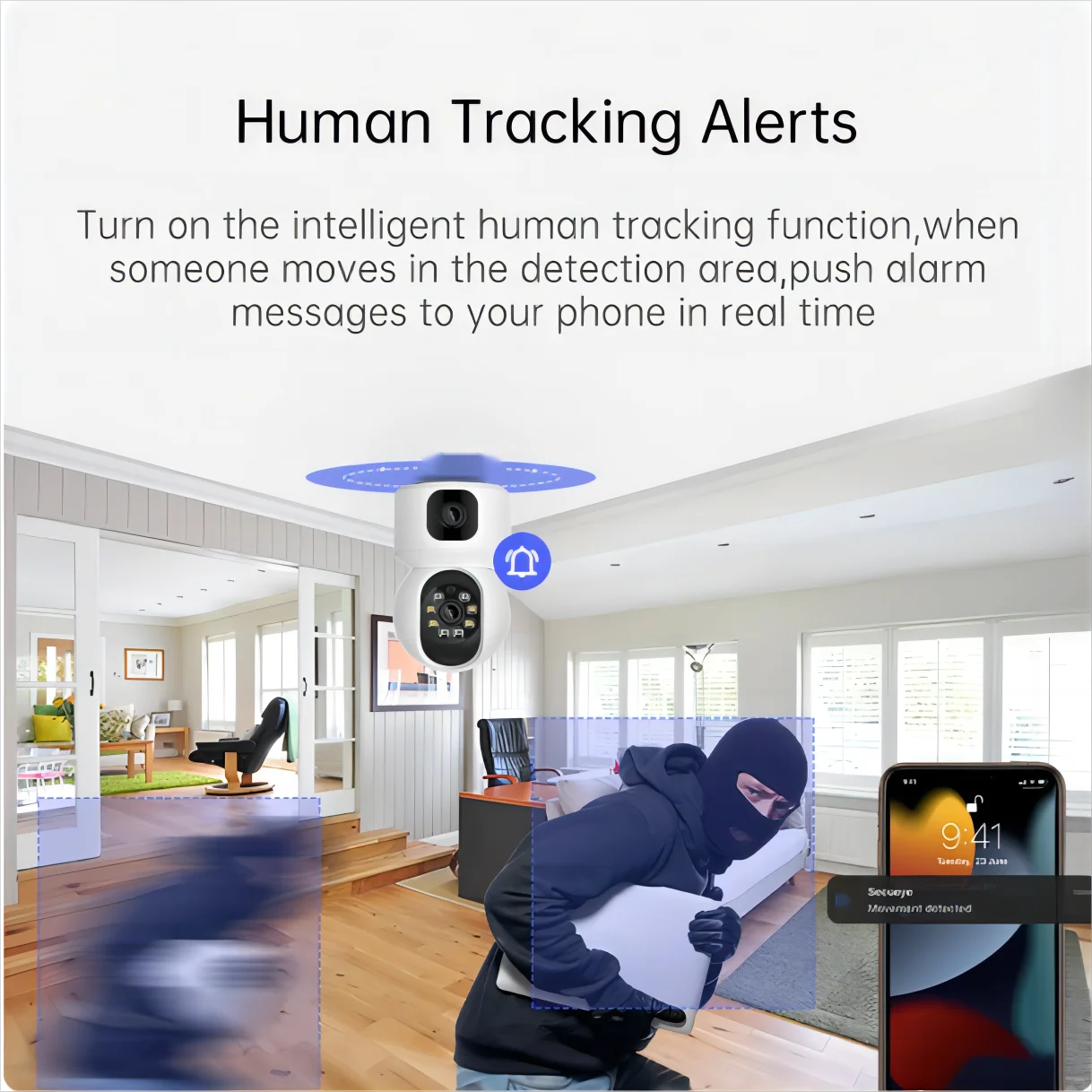
Remote camera monitoring systems powered by Tuya camera microSD cloud storage See it in action
Frequently asked questions
Is cloud storage required to use a Tuya camera?
No. Many Tuya cameras can record directly to a microSD card without a cloud subscription. Cloud storage adds backup protection and easier remote access.
Can I use cloud storage and an SD card together?
Yes. Tuya camera microSD cloud storage works by combining local recording with online backup, creating a more reliable storage system.
How long are recordings stored?
Recording retention depends on the cloud plan, storage settings, camera resolution, and whether you use continuous or event-based recording.
Can I download cloud recordings?
Many Tuya cloud storage setups allow users to download available recordings through the app for saving or sharing.
What happens after my subscription expires?
After expiration, cloud recording features may stop or become limited, but local microSD recording can continue if supported by the camera.
How much does Tuya Cloud Storage cost?
Tuya cloud storage price varies by provider, region, device compatibility, and subscription length.
Which Tuya cameras support Cloud Storage?
Support depends on the specific camera model and manufacturer settings. Check the camera specifications and Tuya Smart app options before subscribing.
Why is my Tuya camera not uploading recordings to the cloud?
Check Wi-Fi stability, subscription status, app permissions, firmware updates, and cloud recording settings.
What does tuya camera sd card run.sh disable cloud refer to?
This phrase usually relates to device-specific scripts or configurations discussed in certain technical communities. It is not a standard consumer setting for normal Tuya camera cloud storage use.
Pillar Article: Tuya IP Camera with Alerts: Explore Key Features and Benefits
Other Related Articles:
Explore More:





