

Does the parents choice gps smart watch really help keep kids safer?
The parents choice gps smart watch provides reliable real-time location tracking, SOS alerts, and geofence notifications, making it an effective parent gps tracker and kidsmart gps tracker for busy families. It combines GPS, Wi-Fi and cellular fallback so parents can see accurate positions and act quickly when time matters most.
⏱ 8 min readParents Choice GPS Smart Watch Features That Make Daily Safety Easier
Worry less and stay connected: the parents choice gps smart watch is built to give caregivers accurate location updates, simple SOS tools, and everyday conveniences that reduce anxiety and save time. Whether you're juggling school runs, errands, or work, these small features add up to big peace of mind.
Explore Baby Growth & Learning
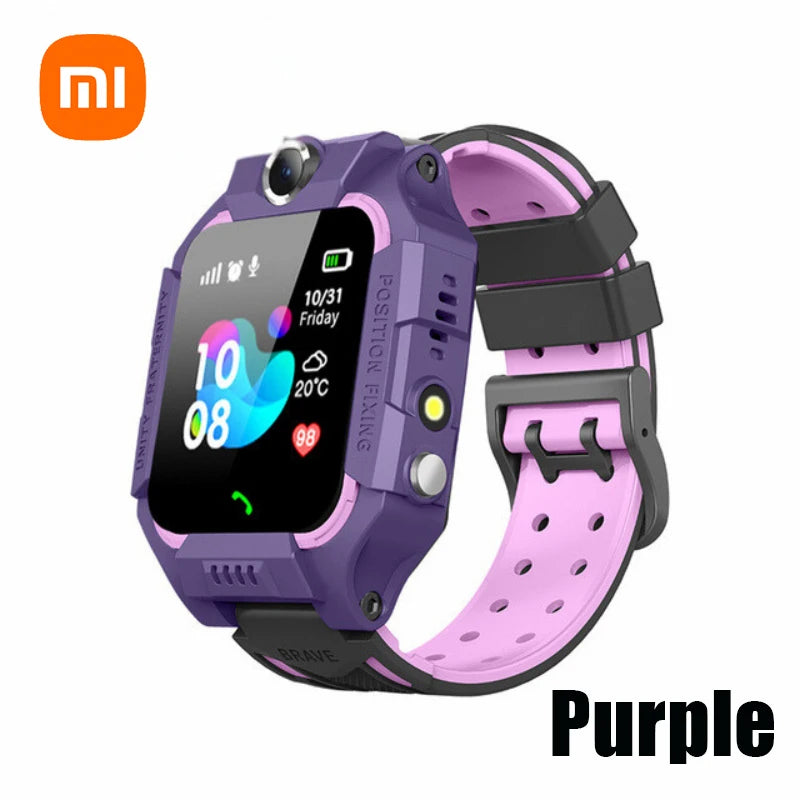
parents choice gps smart watch, parent gps tracker, kidsmart gps tracker — 💡 See it in action.
Why parents worry — and what changes when you have a dependable tracker
Every parent knows the loop: dropping off at school, walking to the bus, sports practice, neighborhood playdates. That’s a lot of moving parts and a lot of small moments where anxiety can spike. The right smartwatch turns uncertainty into clear information: where your child is, how they're doing, and whether they’re safe — quickly and quietly.
Which child-safety gadget suits your family best? Read on!
How the parents choice gps smart watch works
The watch uses a combination of GPS, Wi-Fi positioning, and cellular triangulation to keep locations accurate even in tricky spots (like between tall buildings). Geofencing lets you set safe zones and receive instant notifications when your child leaves them. An SOS button connects directly to preset contacts so help can be arranged immediately.
Key features that deliver real results
Below are the features that actually make day-to-day parenting easier — explained in straightforward, outcome-focused terms.
Real-time tracking with multi-mode location
- GPS + Wi-Fi + Cellular: Combines location sources so you get accurate placements indoors and outdoors.
- Live breadcrumb trail: See the route your child took in the last hour — useful for pickup coordination or retracing steps.
Immediate alerts and safety shortcuts
- SOS button — one press calls and notifies multiple guardians with live location.
- Geofence alerts — set home, school, or park zones and get instant notifications when your child arrives or leaves.
Two-way communication and quiet check-ins
- Voice calls & voice messages — so kids can reach parents without a phone.
- Silent check-in — kids can send a quick status update (e.g., “I’m at school”) without disrupting class.
Long battery life & rugged design
- Multi-day battery on regular use reduces nightly charging stress.
- Water-resistant and kid-proof casing means it survives playground life.
Parental controls & privacy
- Only approved contacts can call or message the watch.
- Location history is private to the parent account; no public sharing.
Accuracy & reliability: how it compares
Not all trackers are created equal. The parents choice gps smart watch blends multiple location systems so parents rarely see the “unknown” or wildly inaccurate dots on a map. Below is a quick comparison to help shoppers justify the choice.
| Feature | Parents Choice GPS Smart Watch | Basic GPS Bands |
|---|---|---|
| Location sources | GPS + Wi-Fi + Cellular | GPS only |
| SOS function | Multi-contact SOS + live location | Single-button; limited alerts |
| Battery life (typical) | 2–4 days (mixed use) | 1–2 days |
| Parental controls | Full control + approved contacts | Basic call blocks |
Real-life scenarios: everyday benefits
Here are common moments where this watch reduces stress and creates better outcomes for families.
After-school pickup coordination
Set a geofence around the school and get a notification when your child leaves — perfect for timing the pickup without rushing.
Park and playdate safety
A quick glance at live location helps you let kids explore within limits while you stay nearby, giving kids freedom and parents reassurance.
Commute time monitoring
If your child commutes or walks part of the route, breadcrumb tracking lets you confirm they followed the expected path.
See Smart Baby Gadgets
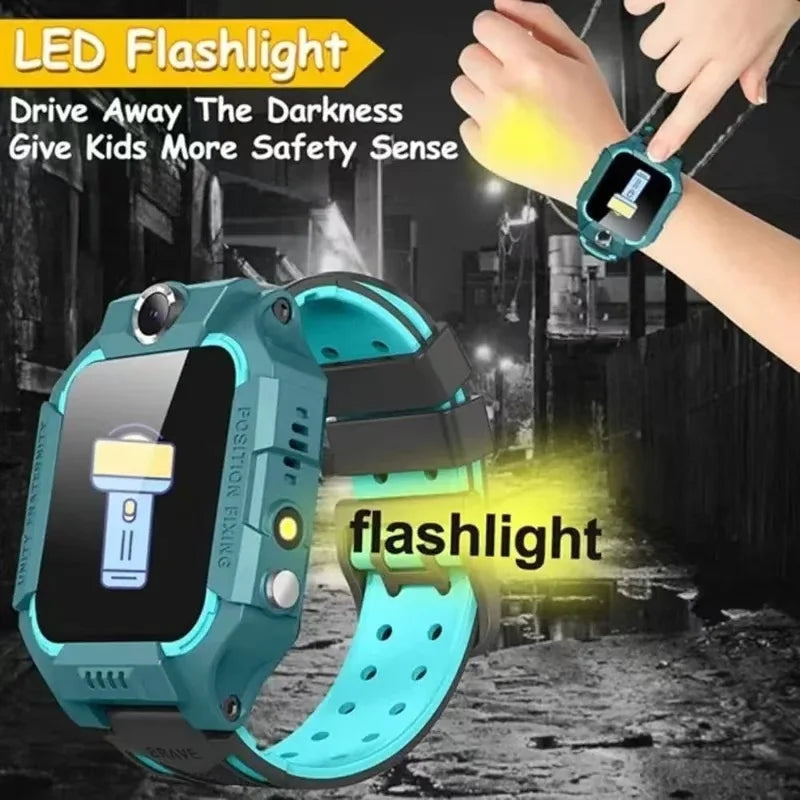
parents choice gps smart watch, parent gps tracker — 💡 See it in action.
Quick setup & parenting tips to get the best results
- Install the companion app and verify contact permissions so only approved guardians can reach the watch.
- Set geofences for school, home, and any regular spots to reduce constant checking.
- Teach SOS use — practice the button in a calm moment so kids know what to do if they need help.
- Charge routine — make evening charging a simple habit (e.g., before bath time) to avoid running out mid-day.
Pros & cons at a glance
- ✅ Multi-mode location for better accuracy.
- ✅ Built-in SOS and two-way calling for immediate response.
- ✅ Parental controls that limit unwanted contact.
- ❌ Requires a cellular plan for full functionality (ongoing cost).
- ❌ Small device — some kids may forget to charge it nightly.
Social proof: what parents say
Real parents consistently highlight three outcomes: less checking of messages, faster responses in small emergencies, and smoother pickups. Example: “The watch alerted me when my son left the after-school program early — I was able to call and learn he was with a neighbor. That one alert was worth it.”
Before/After: Typical impact
- Before: Multiple calls, frantic driving to search areas, uncertainty about whereabouts.
- After: One notification, clear location, calm coordination and fewer interruptions to the day.
Where to buy and next steps
If you’re comparing options, remember to check for multi-mode location, SOS reliability, and how the companion app handles history and permissions. The product page below includes specs, user manual, and support details.
- Product page: parents choice gps smart watch product page
- Helpful category: Monitoring Devices
Buy the Watch
Safety & privacy: what to check
Security matters: check that the manufacturer uses encrypted connections, offers account protections (2FA), and gives clear controls over who can see the location. Good vendors also document data retention policies and make it easy to delete history.
Costs and plan options
Most GPS smartwatches need a SIM/cellular plan for live tracking and calling. Shop for a plan that matches your usage — some providers offer family plans or low-data options tailored to trackers.
Quick technical answers
Do smartwatches have GPS?
Yes — many children’s smartwatches include built-in GPS along with Wi-Fi and cellular fallback. The parents choice gps smart watch uses all three to give better accuracy and fewer “unknown” location moments.
Mini FAQ
- How accurate is the location?
- Accuracy varies by environment: outdoors it’s typically within 5–15 meters using GPS, and indoors Wi-Fi helps narrow the position when GPS signals are weak.
- What happens when the battery runs out?
- Set low-battery alerts in the app so you can remind your child to charge. If the battery dies, the last known location is still visible in the app.
- Can kids make calls to anyone?
- No — parental controls limit contacts to approved numbers only, keeping communications safe and focused.
- Is a subscription required?
- Full tracking and calling usually require a cellular plan. Some basic features may still work on Bluetooth alone near the parent’s phone.
Final thoughts: when this watch makes sense
Choose the parents choice gps smart watch if you want a balance of freedom and oversight — it’s best for families who need location confidence, easy communication, and fast alerts without adding complexity to daily life. Small features like geofence snapshots and multi-mode positioning are the difference between checking constantly and trusting the device to keep you informed.
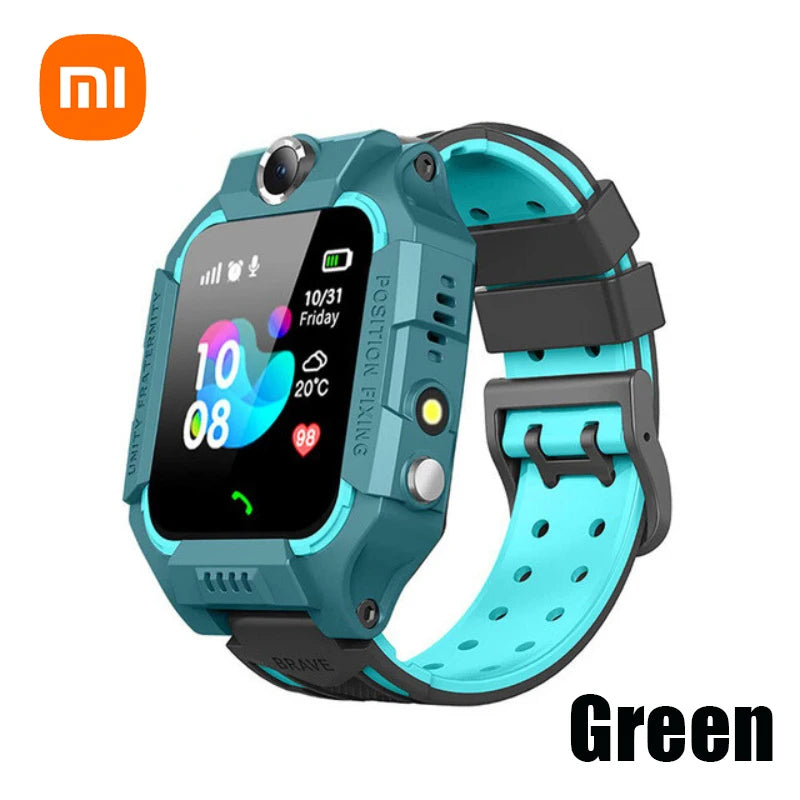
parents choice gps smart watch, kidsmart gps tracker — 💡 See it in action.
Frequently Asked Questions
Does the parents choice gps smart watch need a phone to work?
No — it operates with its own cellular connection for tracking and calling, though some features (like Bluetooth-only modes) may use a paired phone nearby.
How do geofences help keep kids safe?
Geofences send automatic alerts when a child enters or leaves a defined area, so parents can react quickly if the child moves unexpectedly — ideal for school, daycare, or park boundaries.
Where can I learn more about compatible tools?
Explore related monitoring and safety tools in the Monitoring Devices collection for options that pair well with the watch.
Pillar Article: Real Time Monitoring Tool Benefits: Why It Improves Child Safety Fast
Other Related Articles:
Explore More:





