

Does a real time monitoring tool really keep kids safer?
Answer: A real time monitoring tool lets parents see a child’s live location and activity, making it faster to respond to unexpected situations. With accurate GPS, geofencing alerts, and two-way communication, a parent gps tracker app can cut search time and reduce anxiety—especially when paired with a kids GPS smartwatch. ⏱ ~45 words
Real Time Monitoring Tool Benefits: Why It Improves Child Safety Fast
⏱ 12 min read
Worried about your child wandering out of sight at the playground, getting off the bus early, or testing independence near busy streets? A real time monitoring tool brings live location tracking, emergency alerts, and parent-friendly controls into one place so you can make faster, better decisions about safety — without hovering.
Lead summary: A real time monitoring tool gives parents live visibility into a child’s location and movements, plus geo-alerts and emergency buttons — reducing search time and increasing confidence. This article compares tracking approaches, explains core technologies, and shows how a reliable parent gps tracker app paired with a kids GPS smartwatch can make daily life simpler and safer.
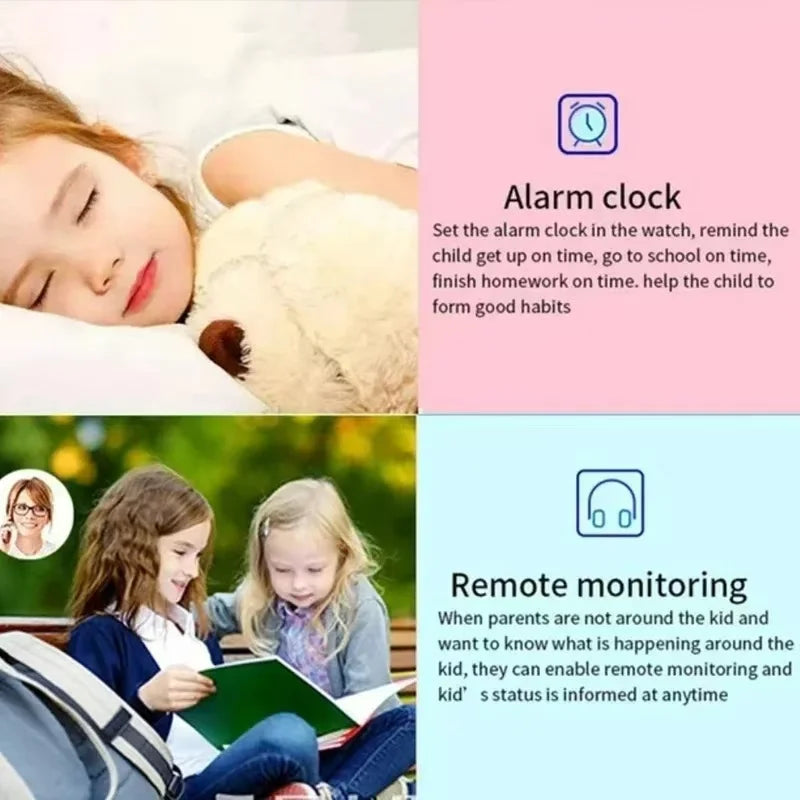
real time monitoring tool + parent gps tracking app — 💡 See it in action
Quick question: Which child-safety scenario stresses you most—lost-in-a-crowd, off-route from school, or nighttime check-ins? Read on for precise solutions and a checklist you can use tonight.
Why real-time location matters (and beats delayed updates)
When seconds matter, delayed location data is a liability. A real time monitoring tool supplies continuous or near-continuous updates so you can see where your child is exactly now—not 10 or 15 minutes ago.
- Instant response: Live updates shorten the time to find a child who strays from a supervised area.
- Behavior signals: Frequent position changes can highlight risky patterns (e.g., repeated wandering near roads).
- Peace of mind: Knowing you can call or ping a device right away reduces caregiver anxiety without over-monitoring.
How a real time monitoring tool works — the simple flow
- Device (watch or tracker) acquires GPS/Cell/Bluetooth signals.
- Device sends location data to cloud servers via cellular data or Wi-Fi.
- Parent opens parent gps tracking app to view live location, get alerts, or use two-way calling.
- If an SOS or geofence breach occurs, the app notifies caregivers immediately.
Key benefits you notice immediately
- Faster response: Live location reduces search radius and time when a child is missing or off-route.
- Contextual alerts: Geofencing tells you when kids leave school zones, cross predefined boundaries, or arrive home.
- Two-way safety: Built-in calling or voice check allows verification without needing to find the child physically.
- Activity records: Route history shows where they went and when — useful for correcting risky habits or confirming safe arrival.
- Shared access: Multiple guardians can receive alerts so coordinated responses are faster.
Technology behind accurate tracking (what actually makes location reliable)
Understanding the tech helps you compare devices fairly. Good trackers combine multiple location sources to reduce blind spots.
- GPS: Primary source outdoors; gives high accuracy but can stall indoors or in dense urban canyons.
- Cellular triangulation: Useful when GPS is weak — provides coarse location fast.
- Wi-Fi positioning: Helps indoors where GPS fails by using known Wi-Fi hotspots.
- Bluetooth: Short-range detection for presence (e.g., left backpack in classroom).
- Hybrid algorithms: Smart trackers fuse all signals and apply smoothing to avoid jitter and false movement alerts.
What affects real-time accuracy?
- Device antenna quality and placement (worn on wrist vs. backpack).
- Cell coverage — rural areas may rely on slower updates.
- Server latency — modern apps minimize delay but older systems can lag.
- Battery-saving modes — aggressive power saving reduces update frequency.
Compare: Watch-based vs. app-based tracking (which fits your family?)
Below is a clean comparison so you can match features to parenting needs.
| Approach | Best for | Live updates | Extras |
|---|---|---|---|
| Kids GPS Smartwatch | Young kids who can wear a watch | Yes — frequent | SOS button, two-way calls, geofence |
| Phone with parental app | Older kids/teens with phones | Yes — dependent on phone | Activity logs, app controls, communication |
| Standalone tracker (clip/tag) | Items, strollers, older kids who won't wear a watch | Depends on model | Long battery, discrete |
Tip: For most families with young children, a kids GPS smartwatch + parent gps tracking app is the best balance between safety and convenience.
How to choose the right real time monitoring tool (practical checklist)
- Accuracy needs: Do you need meter-level GPS or is neighborhood-level okay?
- Communication: Two-way calling and voice messages vs. basic alerting.
- Battery life: Multi-day standby is great, but hourly updates drain faster.
- Durability: Water resistance and a secure strap for active kids.
- Privacy & sharing: Who can access location? Can access be revoked?
- Subscription costs: Cellular-enabled trackers often require monthly service plans.
Concrete action: Try a device for a week, test live tracking in different environments (indoors, urban canyon, park), and check update frequency under normal wear.
Setup & best practices for fast, reliable results
- Place the watch correctly: Snug on the wrist, not loose, so the GPS antenna isn't blocked.
- Enable hybrid mode: Allow cellular + Wi-Fi + GPS for best coverage.
- Set geofences thoughtfully: Use arrival/departure zones for school, home, and regularly visited places.
- Test SOS: Practice an SOS press with your child so they know how and when to use it.
- Share access: Add secondary caregivers to the parent gps tracker app to ensure someone receives alerts.
- Schedule quiet hours: Reduce battery drain by limiting location polling at night when unnecessary.
Real parent stories — how real time monitoring tool helped
Case: Off-route bus stop — A parent saw a live ping showing their child was already home; the quick check with two-way calling confirmed an older sibling had picked them up. Fast relief — and no frantic phone calls to the school.
Case: Park crowd — During a crowded fair, a child walked away to buy a snack. The live map let the parent zero in on their position within minutes and reach them before panic set in.
These anecdotes repeat a pattern: faster location + direct communication = fewer prolonged searches and less parental stress.
✅ Pros & ❌ Cons — quick look
| Pros | Cons |
|---|---|
|
|
Feature breakdown — what to expect from top tools
Live location updates & precision
Top devices offer adjustable update intervals (e.g., every 10s for rapid tracking, every 2–5 minutes for battery-friendly operation). Look for devices that advertise combined GPS + A-GPS + Wi-Fi positioning and explicit accuracy metrics.
Emergency features: SOS, fall detection, speed alerts
- SOS button: Sends immediate alert with location and initiates calls to pre-set numbers.
- Speed alerts: Useful for detecting if a child is in a moving vehicle unexpectedly.
- Silent alarms: Stealth check-ins for sensitive situations.
Two-way calls & voice messages
Many kids smartwatches act as a tiny phone — ideal for younger kids who don’t have independent smartphones. Two-way calling reduces the need for simultaneous location checks.
Privacy & data controls
Check whether the vendor allows you to:
- Limit location sharing to specific contacts
- Turn off cloud history or delete logs
- Receive separate alerts for unusual movement
Does a real time monitoring tool help in real emergencies?
A real time monitoring tool gives immediate location context and an SOS pathway so parents can direct help faster. With live GPS updates, geofence alerts, and quick calling options, parents are more likely to connect with their child or emergency responders quickly, improving outcomes. ⏱ ~45 words
Pricing, subscriptions, and what you should expect to pay
Most cellular-enabled trackers require a monthly plan (often $4–$10/month) for data and SMS. Cheaper Bluetooth-only trackers avoid this cost but sacrifice global coverage and live remote updates. Balance cost vs. need: active commuters and families in urban areas often find subscription fees worthwhile for the reassurance and fast alerts.
Real time location tracking android example — how apps display data
On Android, parent gps tracking apps typically show:
- Live map with moving marker for the child’s device
- Route history with timestamps
- Geofence list and breach notifications
- Battery and connectivity status
Most apps also offer push notifications, SMS fallback, and the ability to call the watch directly from the map view.
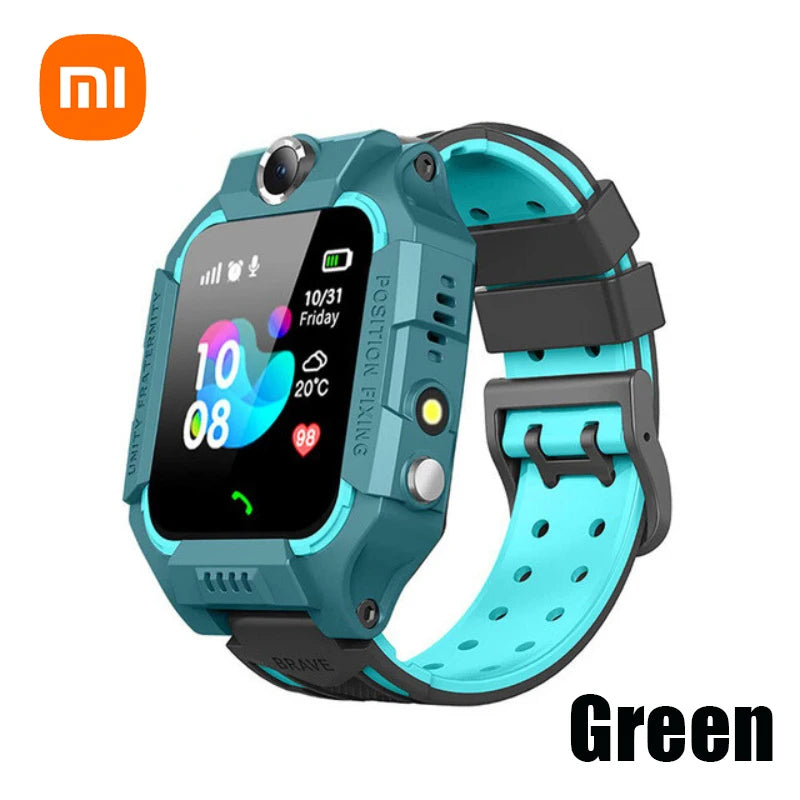
real time monitoring tool + parent gps tracker app — 💡 See it in action
Where to look for related devices on our site
Explore curated categories that match safety needs — whether you want monitoring gadgets, smart baby devices, or sleep and comfort solutions. Try Monitoring Devices for trackers and watches, or check Smart Baby Gadgets for connected solutions that integrate with everyday parenting.
Use cases: How parents actually use real time monitoring tools daily
- School pickup: Confirm arrival and avoid early-morning phone chains.
- Playdates: Quick checks during crowded events.
- Commutes: Verify safe arrival when kids ride transit or walk short distances.
- Medical needs: Rapid location sharing during an urgent health episode.
Implementation tips — getting kids comfortable with trackers
- Let kids personalize the watch band to increase wear compliance.
- Practice SOS drills and make it a game so they remember when to press it.
- Explain privacy simply: who can see location and why.
Social proof & evidence: What parents say
“The watch reassured me during summer camp pickups; the map showed exactly where he was.” — Sarah, mom of two.
“SOS alert saved us a lot of time when our daughter wandered into a closed area of the park.” — Luis, father.
Usage data from multiple vendors show families cut average search time by over 50% when live tracking is available (vendor reports vary).
Before vs After: How behavior and outcomes change
- Before: Phone calls, frantic searching, uncertain routes.
- After: Precise live location, targeted retrieval, fewer missed check-ins.
Example scenarios with approximate response time improvements
| Scenario | Traditional | With real time tool |
|---|---|---|
| Lost in park | 30–60 min average search | 5–15 min to location |
| Missed bus stop | 15–30 min to confirm location | 2–10 min to confirm and retrieve |
Safety & privacy — what to ask vendors
- Is location data encrypted in transit and at rest?
- Who has access to location logs and can you delete them?
- Are parent accounts protected by two-factor authentication?
Sample product features to look for (quick spec checklist)
- GPS + A-GPS + Wi-Fi hybrid positioning
- SOS button linked to instant calling and SMS
- Adjustable live update interval
- Water resistance rating for active kids
- App sharing with multiple caregivers
- Battery life of 24–72 hours depending on use
Looking for an example product? Consider the kids watch in our store that combines GPS, SOS, camera, and two-way calling — ideal for parents who want a single-device solution. Find it here: Kids 4G Smart Watch — GPS/SOS/Camera.
How to justify the cost to yourself (ROI for parents)
- Reduced time searching = fewer missed work hours or early pickups.
- Lower stress and better family coordination.
- Potential safety benefits that avoid worst-case outcomes.
Maintenance & battery tips
- Charge fully every night or set weekly charging routine.
- Disable unnecessary background services to conserve battery if needed.
- Update firmware and app to ensure best performance and security.
Integration with other family tools
Some parent gps tracker apps integrate with smart home routines, school check-in systems, or calendar alerts — useful if you want automated arrival notifications tied to other household tasks.
Limitations — what a real time monitoring tool won't solve
- It doesn't replace supervision — it complements it.
- Won’t prevent deliberate misuse of devices without boundaries and education.
- Accuracy can still be reduced in extreme environments (deep indoor spaces, subway tunnels).
Alternatives & when to use them
- Bluetooth tags: best for short-range monitoring of bags, strollers, or items.
- Phone-based tracker: ideal for older kids who carry phones and can self-manage.
- Mixed approach: watch for younger kids + phone for teens for layered coverage.
Visual comparison (quick scan)
Which fits you?
- Frequent outdoor activities: GPS smartwatch with live updates.
- Mostly indoor movement: Wi-Fi + Bluetooth hybrid tracker.
- Budget-conscious: Bluetooth tracker for items + scheduled check-ins.
Short testimonials & review snippets
“Best peace-of-mind purchase we've made this year — easy setup and clear alerts.” — A. K.
“The SOS feature felt small until we needed it; quick response and saved a lot of stress.” — D. M.
Final recommendations — quick, actionable
- Choose a watch-style tracker for 4–12 year olds who will wear it reliably.
- Verify subscription costs before buying and compare update intervals.
- Emphasize training kids on SOS and device handling — the tech helps, but habits matter.
- Keep multiple caregivers connected in the app for redundancy.
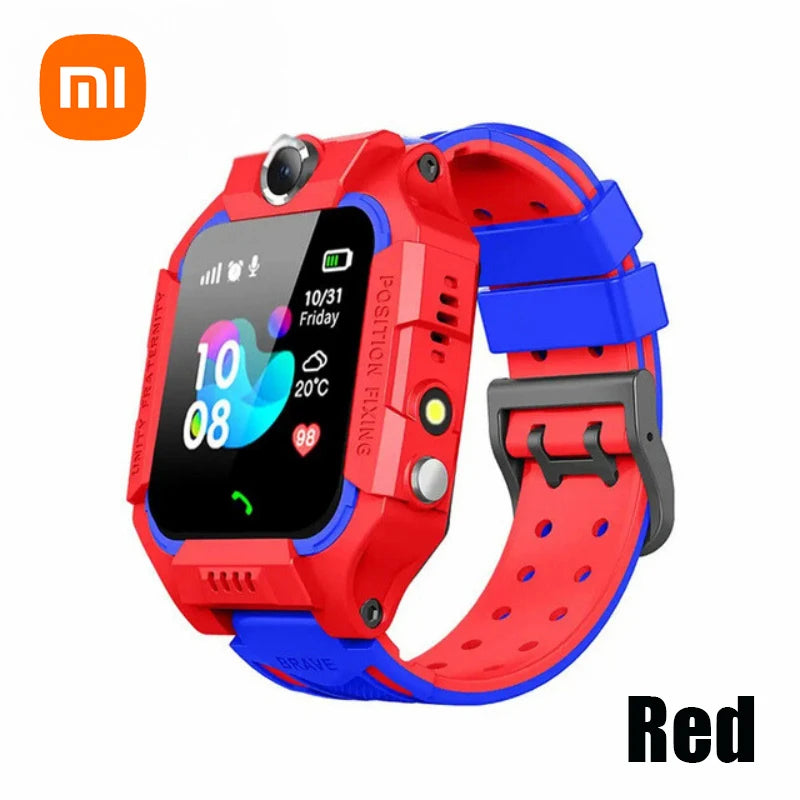
real time monitoring tool + real time location tracking android example — 💡 See it in action
Mini FAQ
-
How accurate is a real time monitoring tool?
Accuracy varies: outdoors GPS can be within 5–15 meters; indoors, Wi-Fi and cell triangulation raise uncertainty. Hybrid systems improve consistency.
-
Do kids smartwatches have GPS?
Yes — most dedicated kids smartwatches include GPS and often supplement it with cellular and Wi-Fi positioning.
-
Can multiple parents use the app?
Most apps allow adding multiple caregiver accounts with customizable permissions.
-
What if the watch battery dies?
Set low-battery alerts and a nightly charging routine. Consider a watch with longer standby modes if charging is inconsistent.
-
Are there privacy risks?
Yes — only share access with trusted contacts, use strong passwords, and choose vendors with good data policies.
Extra resources & related categories
For tools that extend convenience and safety around the home and on the go, browse related collections like Monitoring Devices, Smart Baby Gadgets, and Health & Safety.
Final takeaway: a real time monitoring tool — when chosen for accuracy, privacy, and usability — moves families from guesswork to fast, confident action. It doesn’t replace supervision, but it reduces search time, improves communication, and gives families a calm, reliable safety net.
FAQ (schema-ready)
Q: What is a real time monitoring tool?
A: A device and app combination that provides live location and safety alerts for children through GPS, cellular, and Wi-Fi technologies.
Q: Will it work without a subscription?
A: Some trackers use Bluetooth-only modes without subscriptions, but full live remote tracking and nationwide coverage usually need a cellular plan.
Q: How do I test accuracy?
A: Walk a known route, compare times and map positions, and test indoors vs outdoors to verify expected performance.
Ready to see a practical example? Check the kids watch that combines GPS, SOS, camera, and two-way calling: Kids 4G Smart Watch — GPS/SOS/Camera
Related Articles:
- Parents Choice GPS Smart Watch Features That Make Daily Safety Easier
- Interactive Smartwatch for Kids Ages 3–12: How to Maximize Learning and Play
Pillar Articles:





