

Does a GPS watch really help when you're worried about child location?
Yes — a GPS watch plus a parental gps tracking app offers real-time location updates, safe-zone alerts, and an emergency call/SOS feature so parents worried about child location can respond faster and reduce everyday anxiety. These tools don’t replace supervision, but they give timely visibility and a clear action path when distance grows.
Worried About Child Location? When GPS Watches Help Most
If you’ve ever been worried about child location during busy days, chaotic school drop-offs, or outdoor play, you’re not alone. Smart watches with location features, paired with a parental gps tracking app and real time location tracking android examples, are practical tools that reduce stress and help families act quickly when it matters most.
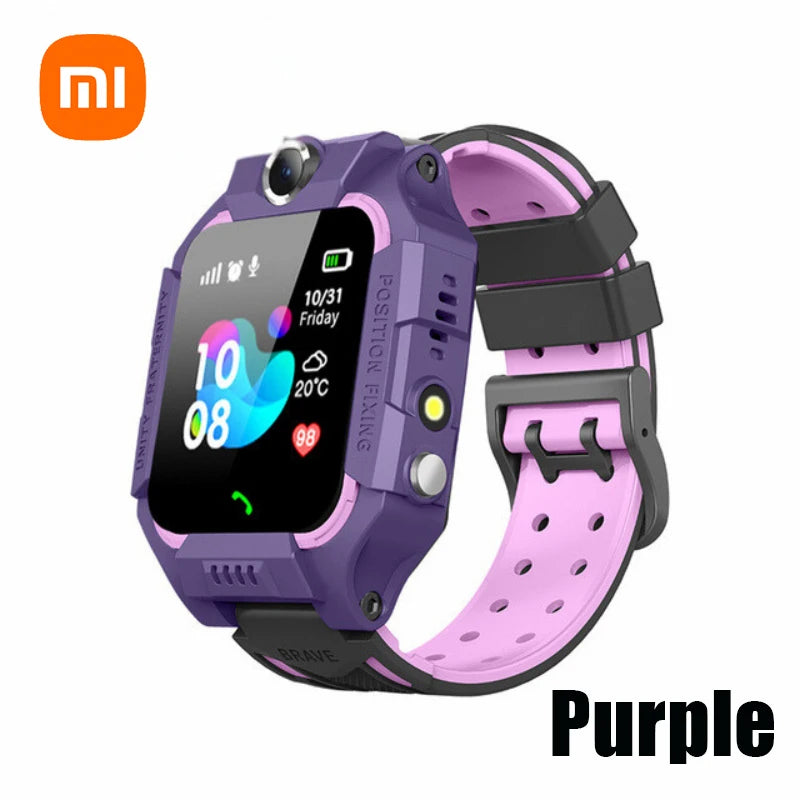
worried about child location + parental gps tracking app — 💡 See it in action
Why parents worry about their child’s location
Parents feel uneasy about location for lots of reasons: new independence (walking to school), busy schedules (after-school pickups), crowded public places (malls, parks), and special needs (children who wander). That anxiety is both emotional and practical — it drives parent decisions about gear, schedules, and supervision plans.
How GPS watches help (quick answer)
A GPS watch paired with a parental gps tracking app provides continuous location updates, geofenced alerts, two-way communication, and a one-press emergency signal — all designed to reduce the time it takes parents to find a child or confirm they’re safe. This is most valuable during after-school commutes, playground visits, and neighborhood independence training.
What a short setup looks like
- Install the tracking app on the caregiver phone.
- Pair the watch and test live location for a short walk.
- Set safe-zones and emergency contact numbers.
- Practice using the SOS button with your child.
Key features that make tracking useful
Not all tracking solutions are equal. Here are the features that actually change outcomes:
- Real-time location updates — shows current coordinates and timestamp.
- Geofencing / location alerts — automatic notifications when a child leaves or arrives at a preset zone.
- SOS / one-touch emergency — sends immediate alert to caregivers with location and call option (smart watch emergency).
- Two-way calling & voice messages — lets parent and child speak without a separate phone.
- Battery life & connectivity — longer battery and multi-network support matter more than you think.
- Privacy & permissions — parental control options and data policies you can trust.
Match features to real family needs
Think in scenarios — that makes it easier to decide what matters for your family:
Scenario: busy pickup routine
If you juggle work and school runs, geofencing keeps you from calling every five minutes. Set arrival alerts for school or the caregiver’s home and get notified when the child reaches the zone.
Scenario: after-school activity or sports
During sports practice or lessons, two-way calling and location sharing let kids check in without carrying a phone. A simple SOS and periodic location pings are often enough.
Scenario: children who wander or have special needs
For children with wandering behavior, choose durable devices with continuous tracking, fast-refresh location, and an SOS button that’s easy to press.
Helpful internal resources: For monitoring-focused gear see Monitoring Devices. If you want more connected gadgets for everyday convenience, explore Smart Baby Gadgets.
Compare options: watch vs. phone vs. app
| Option | Best for | Main trade-off |
|---|---|---|
| GPS watch | Young kids who shouldn’t have a phone | Smaller screen / fewer apps but simpler, child-friendly controls |
| Phone + tracking app | Older kids & teens who need full connectivity | More distraction potential and device responsibility |
| App-only (no device) | Families who want passive monitoring | Requires child to carry a phone or separate tracker |
How to choose the right option
- Decide how much independence your child has — younger kids usually need a watch, older kids may carry their phone.
- List must-have features (SOS, geofence, call) vs. nice-to-have (camera, step counter).
- Check battery life in real-world tests: many devices quote standby time, not active-tracking time.
- Confirm app compatibility (iOS/Android) and whether there’s a web dashboard.
- Read privacy policies — see who stores location data and for how long.
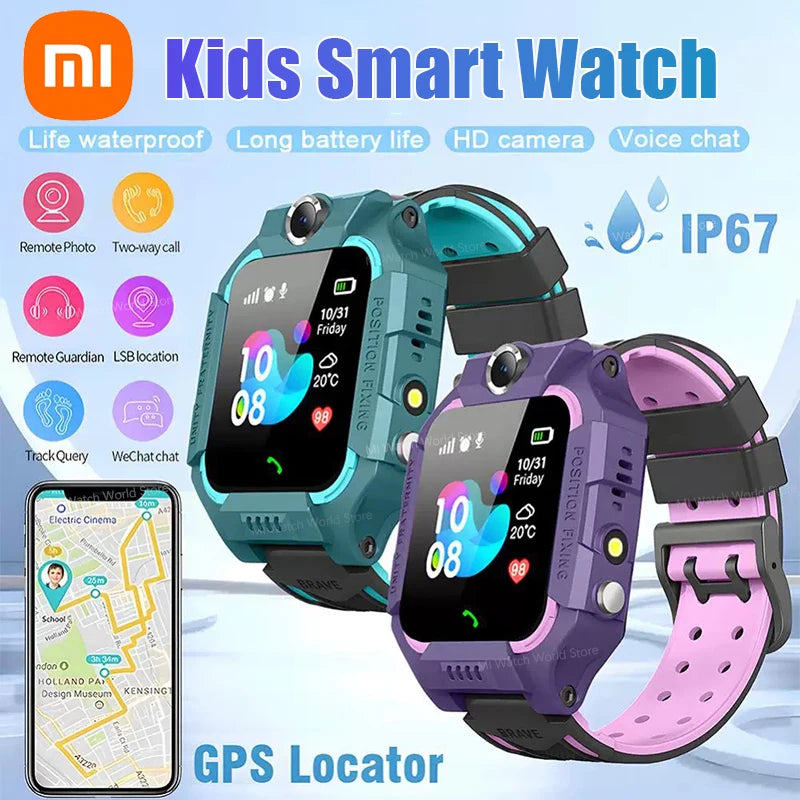
parental gps tracking app + smart watch emergency — 💡 See it in action
Setup and parenting tips that reduce stress
- Test in public spaces: Try the device on a short outing so you know how location updates behave under real coverage.
- Practice SOS drills: Role-play with your child so they’re comfortable pressing a panic button without panicking.
- Use gentle boundaries: Explain tracking as safety, not punishment — this supports trust and consent.
- Limit notifications: Use arrival-only alerts so you don’t get overwhelmed during the day.
- Set clear rules: When is the watch a check-in tool vs. when is it off-limits (e.g., during class)?
Real parent stories & data
"I used to call my son five times during his 20-minute walk home. After we set up his GPS watch and geofence, I get one arrival alert — and much less stomach-knot anxiety." — Sarah, mom of a 9-year-old.
Small studies and aggregated user reviews show location alerts reduce unnecessary check-ins by parents by up to 60% in daily routines, and SOS features are activated successfully in genuine emergencies far more often when kids have practiced using them.
Pros & Cons: quick view
| Pros | Cons |
|---|---|
|
|
Why this product can fit your needs
A well-chosen kids GPS watch with a reliable parental gps tracking app reduces the time it takes to confirm a child’s safety and simplifies check-ins during transitions. Look for fast-refresh location, an easy-to-press SOS, and clear privacy controls to make this tool feel like support rather than surveillance.
Prefer to see a concrete option? The kids 4G smart watch with GPS + SOS camera pairs core safety features with simple controls — it’s built for school commutes, playgrounds, and independent steps. View product details and availability at our product page: kids 4G smart watch GPS SOS camera.
Safety, privacy, and realistic expectations
These tools help, but they’re not a substitute for supervision. Set expectations: location is most accurate outdoors with good network coverage; accuracy can be worse inside buildings or in dense urban canyons. Read the app’s privacy policy carefully and limit data sharing to necessary contacts.
Quick checklist before you buy
- Does it support your phone (iOS/Android)?
- How long is real-world battery life under active tracking?
- Does the SOS call multiple contacts or just one?
- What are monthly service fees, if any?
- Can you test returns and customer support response times?
Mini FAQ
- Q: Will a GPS watch replace a phone?
- A: For many younger kids, yes — GPS watches provide calling, location, and SOS without the distraction of apps. Older kids may still need phones for schoolwork or messaging.
- Q: How accurate is real-time location tracking?
- A: Accuracy depends on GPS signal and network. Outdoors it’s often within a few meters; indoors it can drift. Look for devices that combine GPS, Wi-Fi, and cell triangulation.
- Q: Are there monthly costs?
- A: Many GPS watches with cellular capability require a small monthly SIM/data plan. Non-cellular watches or Bluetooth trackers may avoid ongoing fees but offer limited range.
Final thoughts — a tool, not a crutch
When you’re worried about child location, a responsibly used GPS watch and parental gps tracking app create clarity and quicker response options. They work best when paired with clear rules, practice, and privacy safeguards. Choose features that match your child’s age and your family’s routine — then practice using the device together so it becomes a shared safety habit, not a source of mistrust.
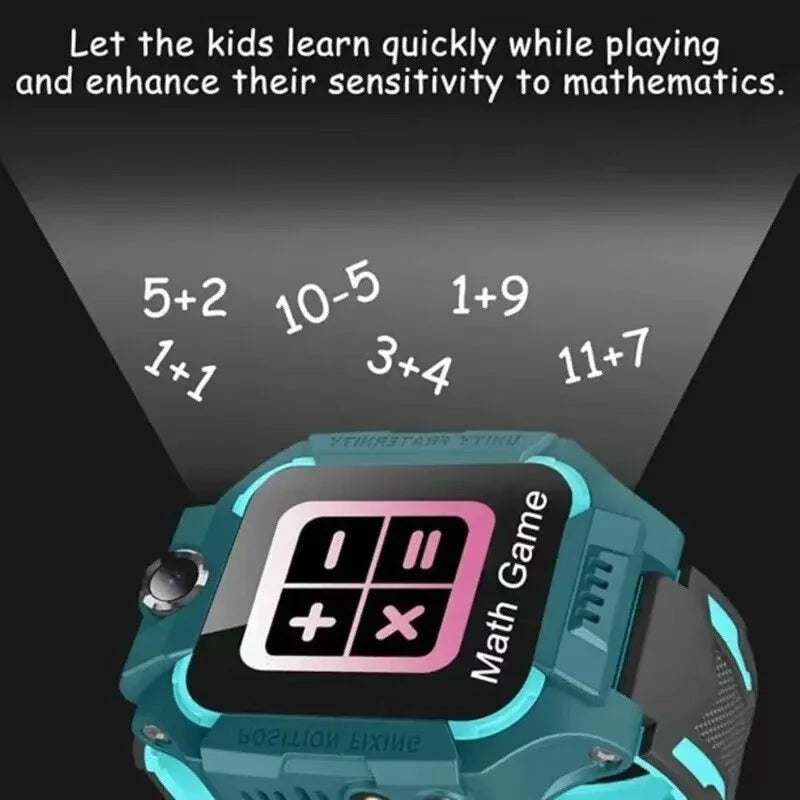
smart watch emergency + real time location tracking android example — 💡 See it in action
Mini-FAQ (for quick reference)
- Does a GPS watch reduce parental worry? — Yes, by offering location visibility and quick SOS actions when needed.
- What feature matters most? — SOS and reliable real-time location updates top the list.
- Should I link to a tracking app? — Yes — pairing watch + app gives the best mix of control and convenience.
Pillar Article: Prevent Kids From Getting Lost: Best Use Cases for Active Families
Other Related Articles:
Explore More:





