

⏱ 12 min read
How can parents monitor a baby remotely without constant check-ins?
How to monitor baby remotely starts with choosing a secure monitoring system, placing the camera safely, and connecting it to a trusted mobile device. Whether you are in another room, at work, or traveling, a reliable remote baby monitoring system lets you see and hear your child in real time while reducing unnecessary interruptions.
How to Monitor Baby Remotely: Step-by-Step Guide for Parents
How to monitor baby remotely is about creating a dependable setup that keeps you connected without constantly entering the nursery. In this guide, you'll learn when remote monitoring is most helpful, how different monitoring systems work, how to choose the right equipment, and the best practices for protecting your baby's privacy while monitoring from anywhere.
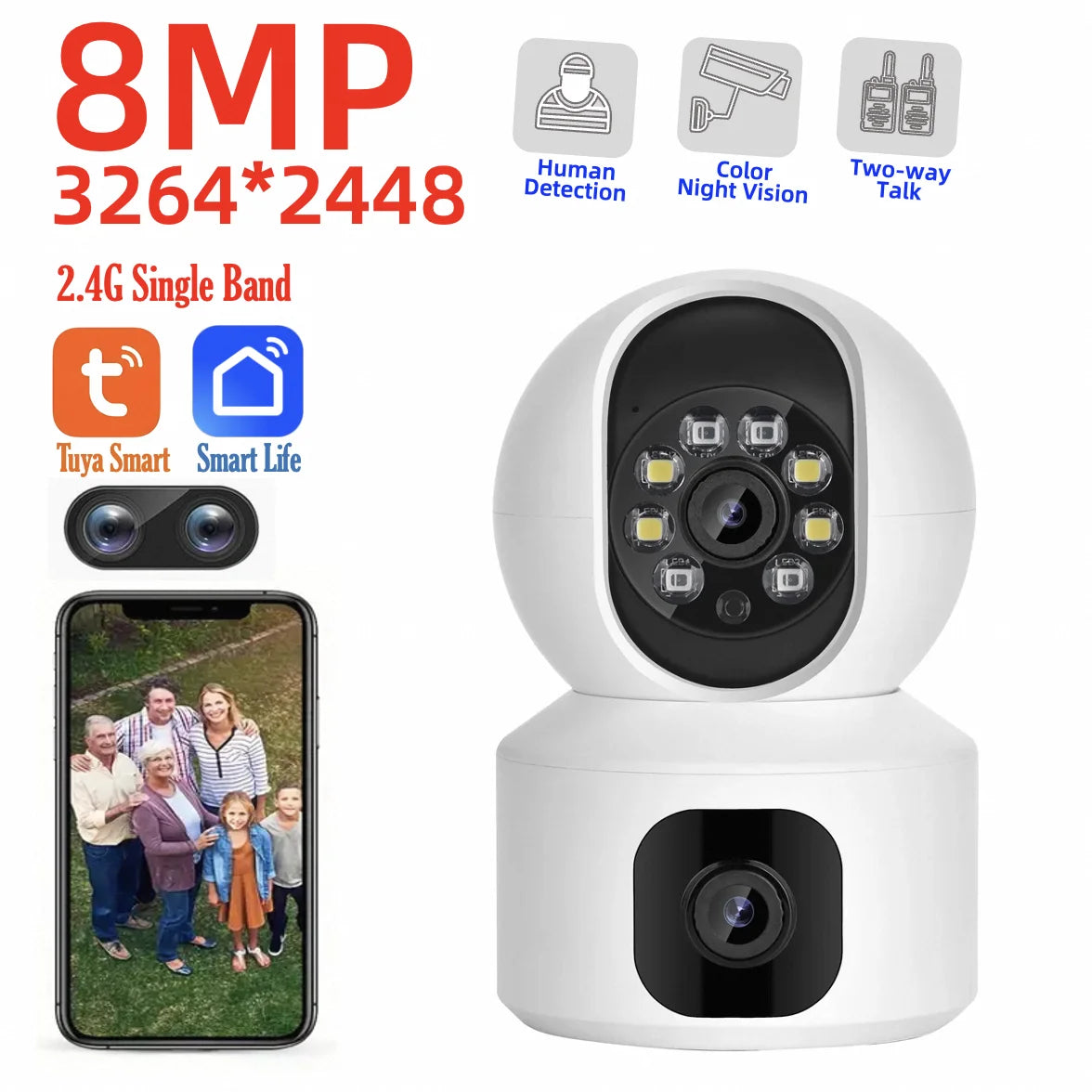
A calm monitoring room setup helps parents monitor baby remotely with confidence. See it in action.
When remote baby monitoring is useful
Baby monitoring remotely is valuable whenever parents cannot stay in the same room continuously. Common situations include:
- Nap time while completing household chores
- Evening monitoring after your baby falls asleep
- Checking in from another floor of the house
- Watching over your child while another caregiver is present
- Monitoring during short trips away from home using secure mobile access
What equipment you need
To monitor baby remotely successfully, you'll typically need:
- A room monitoring camera or dedicated baby monitor
- Reliable home Wi-Fi or a local wireless connection
- A smartphone or tablet for remote viewing
- Audio alerts and optional motion notifications
- A secure monitoring app if using an internet-connected device
While remote monitoring greatly improves awareness, it complements—not replaces—safe sleep practices and regular caregiving.
Why Remote Monitoring Matters for Modern Parents
Every parent knows the feeling of wondering whether a sleeping baby is comfortable or needs attention. Remote monitoring provides reassurance by allowing you to quickly check your child without disturbing sleep.
For families balancing work, household responsibilities, and caregiving, the ability to watch a baby while away from the nursery creates greater flexibility while maintaining awareness of your child's environment.
Peace of mind without constant interruptions
- Hear your baby immediately through audio alerts.
- Check sleep position or movement without opening the nursery door.
- Reduce accidental wake-ups caused by unnecessary room visits.
- Allow multiple caregivers to stay informed when appropriate.
How Remote Baby Monitoring Works
A remote baby monitoring system combines a camera or monitor with wireless communication so parents can receive live video, audio, or alerts from another room or even another location.
Wi-Fi baby monitors
Wi-Fi monitors connect to your home internet and allow remote viewing through a secure smartphone app. These systems are ideal for parents who want to monitor baby from their phone while at work or traveling.
Non-Wi-Fi local monitors
Traditional baby monitors use dedicated wireless signals instead of the internet. They generally offer excellent privacy and reliable performance inside the home but usually cannot be accessed remotely outside your property.
Remote access through smartphone apps
Most modern monitoring apps provide live streaming, two-way audio, notification settings, and optional recording features. Before relying on remote access, always test the connection from outside your home network to confirm everything works properly.
Choosing the Right Remote Baby Monitoring System
The best system depends on your home's layout, internet reliability, and how you plan to monitor your baby remotely.
Wi-Fi vs non-Wi-Fi baby monitors
| Feature | Wi-Fi Monitor | Non-Wi-Fi Monitor |
|---|---|---|
| Remote viewing outside home | Yes | No |
| Internet required | Yes | No |
| Local privacy | Depends on security settings | Generally high |
| Range | Virtually unlimited with internet | Limited to local signal range |
Indoor camera features
- High-definition video
- Reliable night vision
- Wide viewing angle
- Motion detection
- Adjustable notification settings
Wireless audio monitoring
Clear audio is often just as important as video. Look for adjustable microphone sensitivity, low background noise, and two-way communication if you occasionally soothe your baby remotely.
Many parents prefer compact designs that blend naturally into the nursery, often found in Smart Baby Gadgets .
Step-by-Step: How to Monitor Baby Remotely
Following a consistent setup process helps ensure your remote baby monitor app performs reliably every day.
Install the monitor
Mount the camera securely above crib height and outside your baby's reach. Position it to capture both the crib and nearby activity areas without creating blind spots.
Join the monitor to a secure home network using WPA2 or WPA3 encryption whenever available.
Pair with your phone
Download the manufacturer's monitoring app, complete account setup, and verify that live video loads correctly on your mobile device.
Test alerts and video
- Confirm the camera angle.
- Enable sound and motion notifications.
- Test audio clarity during nap time.
- Verify night vision performance.
- Check remote viewing using cellular data outside your home.
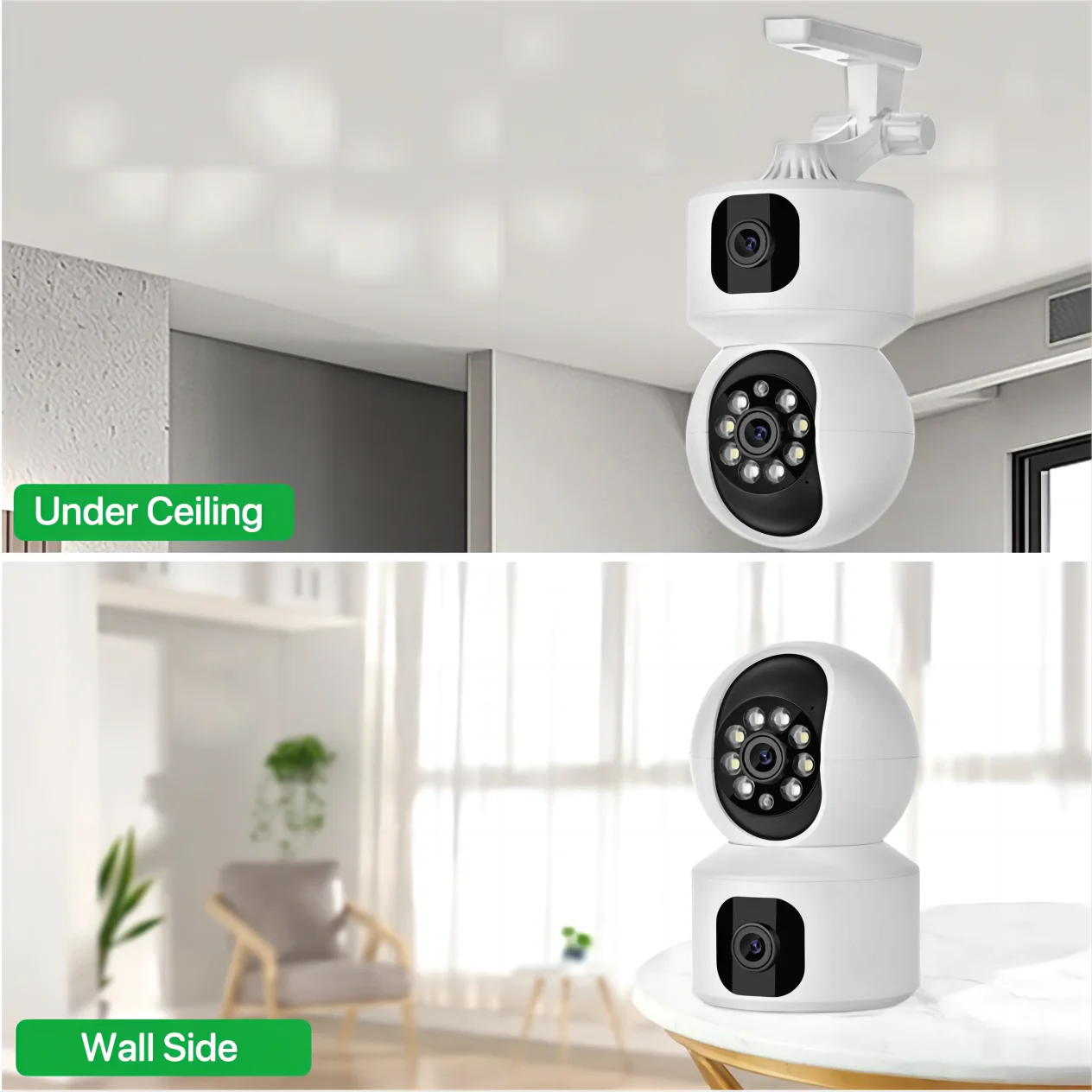
A well-placed room monitoring camera improves sound and visibility. See it in action.
Protect Your Privacy and Secure Your Baby Monitor
Internet-connected baby monitors should be protected just like any other smart home device.
Create strong passwords
Use unique passwords that combine letters, numbers, and symbols. Avoid reusing passwords from other accounts.
Enable two-factor authentication
If your monitoring app supports two-factor authentication, enable it to reduce unauthorized account access.
Keep firmware updated
Install camera firmware and mobile app updates regularly to benefit from security improvements and bug fixes.
Troubleshooting Common Remote Monitoring Problems
Video won't load
Check your internet connection, restart the camera, and confirm the app is updated.
Audio delays
Reduce network congestion, move the camera away from other wireless devices if needed, and lower video resolution if your connection is slow.
Connection drops
Position the camera closer to your Wi-Fi router or consider adding a mesh Wi-Fi system to improve signal strength throughout the home.
Remote Monitoring While Traveling, Working, or Using Daycare
Monitoring from work
Parents can monitor baby remotely using a secure smartphone connection during breaks, allowing quick visual check-ins without overwhelming notifications.
Checking in while traveling
Before leaving home, verify that remote access works over mobile data and that trusted caregivers know how to use the system.
Sharing access with caregivers
Many monitoring platforms allow temporary access for grandparents, babysitters, or partners. Share permissions only with trusted individuals and remove access when it is no longer needed.
Pairing monitoring tools with safety-focused essentials from Health & Safety helps create a more secure overall setup.
Frequently Asked Questions
Is it safe to use an indoor wireless camera with audio in a baby room?
Yes. When installed outside your baby's reach, connected through secure settings, and regularly updated, an indoor wireless camera with audio can safely provide continuous monitoring.
Can I monitor my baby remotely while away from home?
Yes. Wi-Fi-enabled baby monitors with secure mobile apps allow parents to view live video and hear audio from almost anywhere with an internet connection.
How often should I check the live feed?
Use motion and sound alerts for routine monitoring and check the live video only when needed to avoid unnecessary stress.
What is the difference between a Wi-Fi and a non-Wi-Fi baby monitor?
Wi-Fi monitors allow remote access through the internet, while non-Wi-Fi monitors typically work only within their local wireless range but offer a simpler setup.
Do remote baby monitor apps work on both Android and iPhone?
Most major manufacturers provide apps for both Android and iOS devices. Always confirm compatibility before purchasing.
How secure are Wi-Fi baby monitors?
Security depends on proper configuration. Strong passwords, firmware updates, encrypted Wi-Fi, and two-factor authentication significantly improve protection.
Can multiple caregivers access the same baby monitor?
Many apps support multiple authorized users. Review each person's permissions and remove access when it is no longer required.
What internet speed is recommended for remote baby monitoring?
A stable broadband connection is more important than extremely high speed. Most HD video monitors perform well with consistent upload and download speeds and a reliable Wi-Fi signal.
Related Articles:
- Automatic Human Detection Camera: Set Up Alerts and Zones Easily
- Full Color Night Vision Camera: Maximize Nighttime Visibility
- Smart Home Control Devices: How to Automate Your Security System
- Using Tuya 8MP Dual-Lens Camera: Easy Setup and Tips
Pillar Articles:





