

What is the Tuya 8MP dual-lens camera and how does it help with home monitoring?
The Tuya 8MP dual-lens camera combines two lenses into one device to deliver wider coverage, sharper detail, and fewer blind spots. By pairing a fixed and movable view, this hd smart wireless ip camera helps homeowners monitor entrances, nurseries, or living spaces more confidently without juggling multiple devices.
Using Tuya 8MP Dual-Lens Camera: Easy Setup and Tips
⏱ 7 min read
Bringing a new camera into your home should feel reassuring, not overwhelming. Whether you’re keeping an eye on sleeping children, checking in on loved ones, or simply wanting peace of mind while away, the Tuya 8MP dual-lens camera is designed to make everyday monitoring clearer and simpler—without complicated setup or constant adjustments.
Ever wondered why some security cameras still miss important moments? Or why switching between multiple camera views feels clunky? Let’s walk through how this dual camera lens solution fits into real family life and how to get the most out of it from day one.
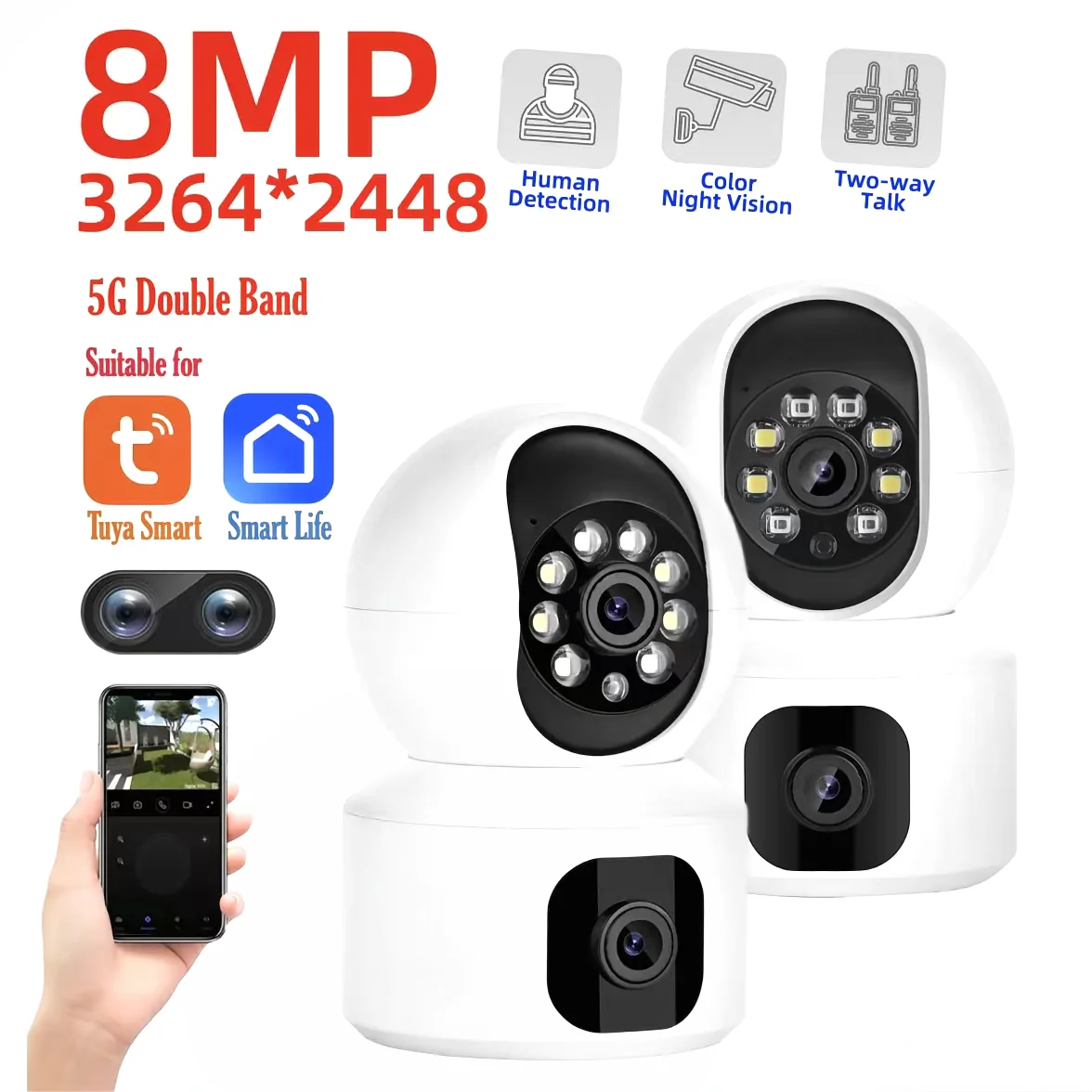
Dual camera lens clarity and control with the Tuya 8MP dual-lens camera — 💡 See it in action
Why a Dual Camera Lens Makes Monitoring Easier
The Tuya 8MP dual-lens camera stands out because it reduces blind spots while keeping everything in one compact device. Instead of switching between multiple cameras, you get a broader and more detailed picture at once.
Direct answer: The Tuya 8MP dual-lens camera uses two coordinated lenses to capture wide-angle and close-up views simultaneously. This setup improves visibility, reduces missed motion events, and delivers clearer detail for everyday monitoring in busy family homes.
- Wider room coverage with fewer devices
- Clearer details for doors, cribs, and shared spaces
- Smoother viewing through a single app interface
- Less setup clutter and fewer cords
This makes it especially useful when paired with other home solutions found in Monitoring Devices, creating a more connected and reassuring environment.
Step-by-Step Setup for Peace of Mind
Setting up an hd smart wireless ip camera shouldn’t feel technical. With the Tuya app, most families are up and running in minutes.
- Plug in the camera and wait for the indicator light.
- Open the Tuya app and add a new device.
- Connect to your home Wi-Fi network.
- Adjust lens angles directly from the app.
That’s it. No extra hubs or complicated wiring. Many parents appreciate how this setup mirrors the simplicity of other Smart Baby Gadgets they already rely on.
Practical Tips for Daily Use
Once installed, small adjustments can make a big difference in daily clarity and comfort.
- Position one lens for a wide room view and the other for key details.
- Use motion alerts during naps or nighttime.
- Check live feeds during work breaks for reassurance.
- Adjust night vision settings based on room lighting.
Families often pair camera use with routines around Sleep & Comfort to feel more at ease during rest hours.
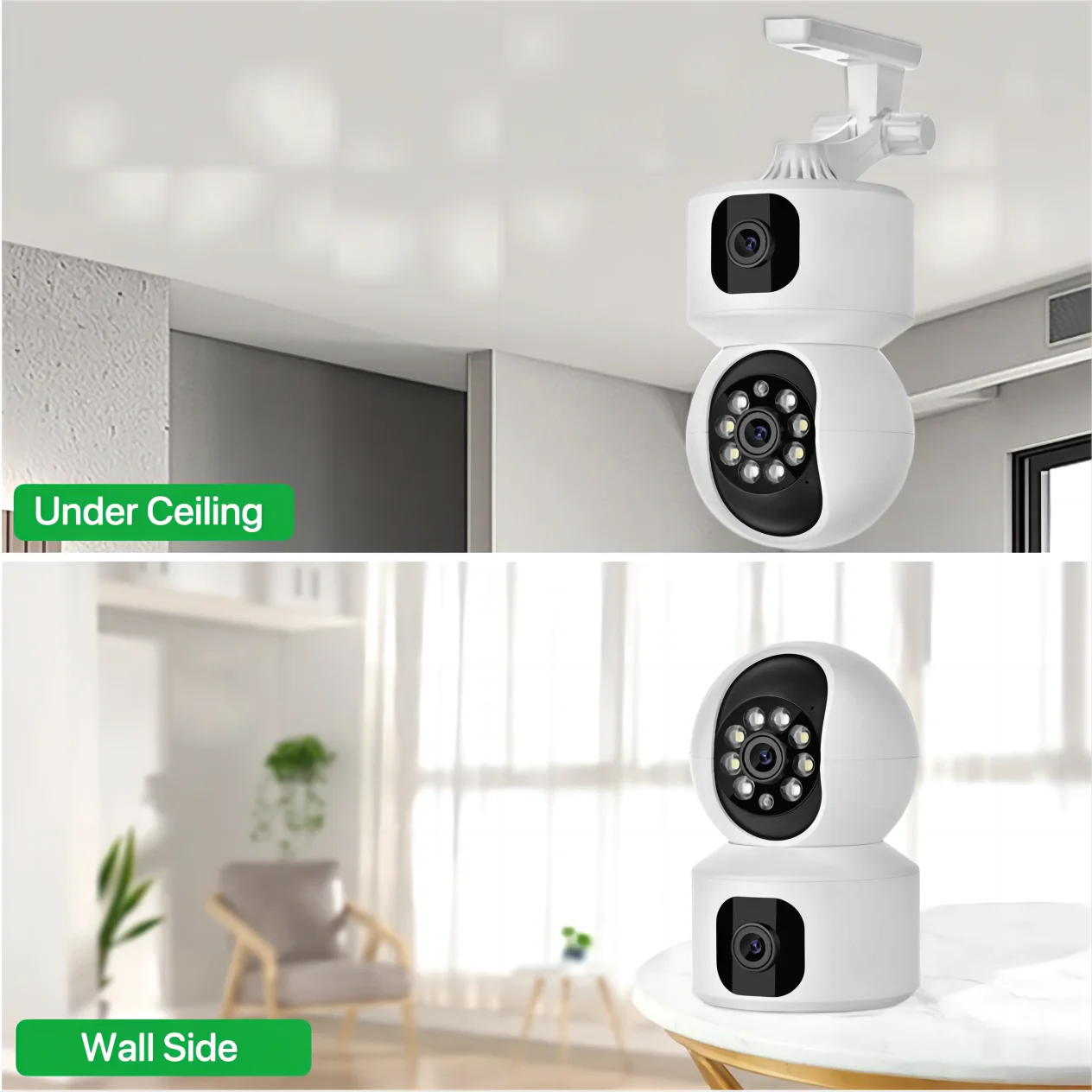
Everyday monitoring made easier with a dual camera lens — 💡 See it in action
How Tuya Camera Cloud Storage Protects What Matters
Direct answer: Tuya camera cloud storage securely saves motion clips and recordings online, allowing users to review events anytime. This adds peace of mind by protecting footage even if the camera is unplugged or damaged.
For busy households, cloud access means you never miss an important moment. Whether reviewing a delivery or checking overnight activity, everything is stored safely.
This approach aligns well with safety-focused tools from Health & Safety, supporting a more prepared home.
Real-Life Family Scenarios
Picture this: your baby finally naps, and you step into another room. Instead of tiptoeing back to check, you glance at your phone. The dual camera lens shows both the crib and the doorway—no interruptions, no stress.
Or you’re away for the weekend. With the hd smart wireless ip camera, you can quickly confirm everything looks as it should, just like parents do with trusted tools from Baby Care Essentials.
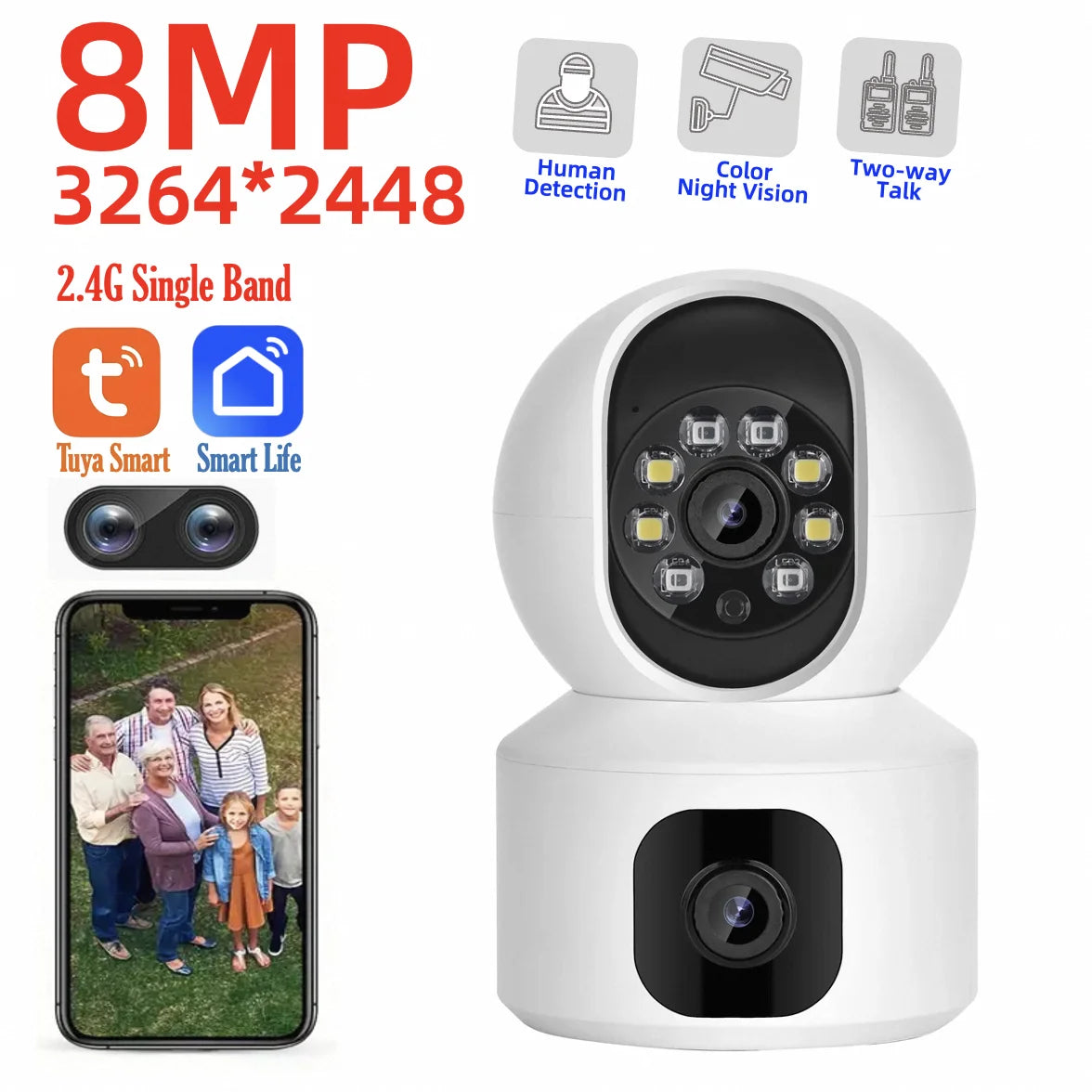
Smart, reliable coverage with the Tuya 8MP dual-lens camera — 💡 See it in action
Frequently Asked Questions
Does the Tuya 8MP dual-lens camera replace multiple cameras?
Yes. Thanks to its dual camera lens design, it often covers areas that would normally require two separate devices, simplifying setup and daily use.
Is it suitable for families with young children?
Many parents find it helpful for monitoring sleep, play areas, and entrances, especially when combined with other smart home routines.
Can footage be accessed remotely?
With tuya camera cloud storage and app access, users can review clips and live feeds anytime, from anywhere.
Pillar Article: How to Monitor Baby Remotely: Step-by-Step Guide for Parents
Other Related Articles:
- Automatic Human Detection Camera: Set Up Alerts and Zones Easily
- Full Color Night Vision Camera: Maximize Nighttime Visibility
- Smart Home Control Devices: How to Automate Your Security System
Explore More:





