

What are smart home control devices and how do they improve home security?
Smart home control devices let homeowners monitor, automate, and manage security from one place. Using smart home control devices with tuya camera onvif support enables reliable camera remote monitoring, faster alerts, and a more responsive video surveillance system for home use—helping families stay aware and protected wherever they are.
Smart Home Control Devices: How to Automate Your Security System
⏱ 7 min read
Smart home control devices are changing how families protect what matters most. If you’ve ever worried about home safety while caring for a baby, juggling work, or traveling, automation can remove stress and guesswork. With the right setup, security becomes simpler, smarter, and always within reach.
Imagine checking on your front door while rocking your baby to sleep, or getting an alert before a small issue turns into a big worry. That peace of mind is why more parents and homeowners are turning to connected security solutions.
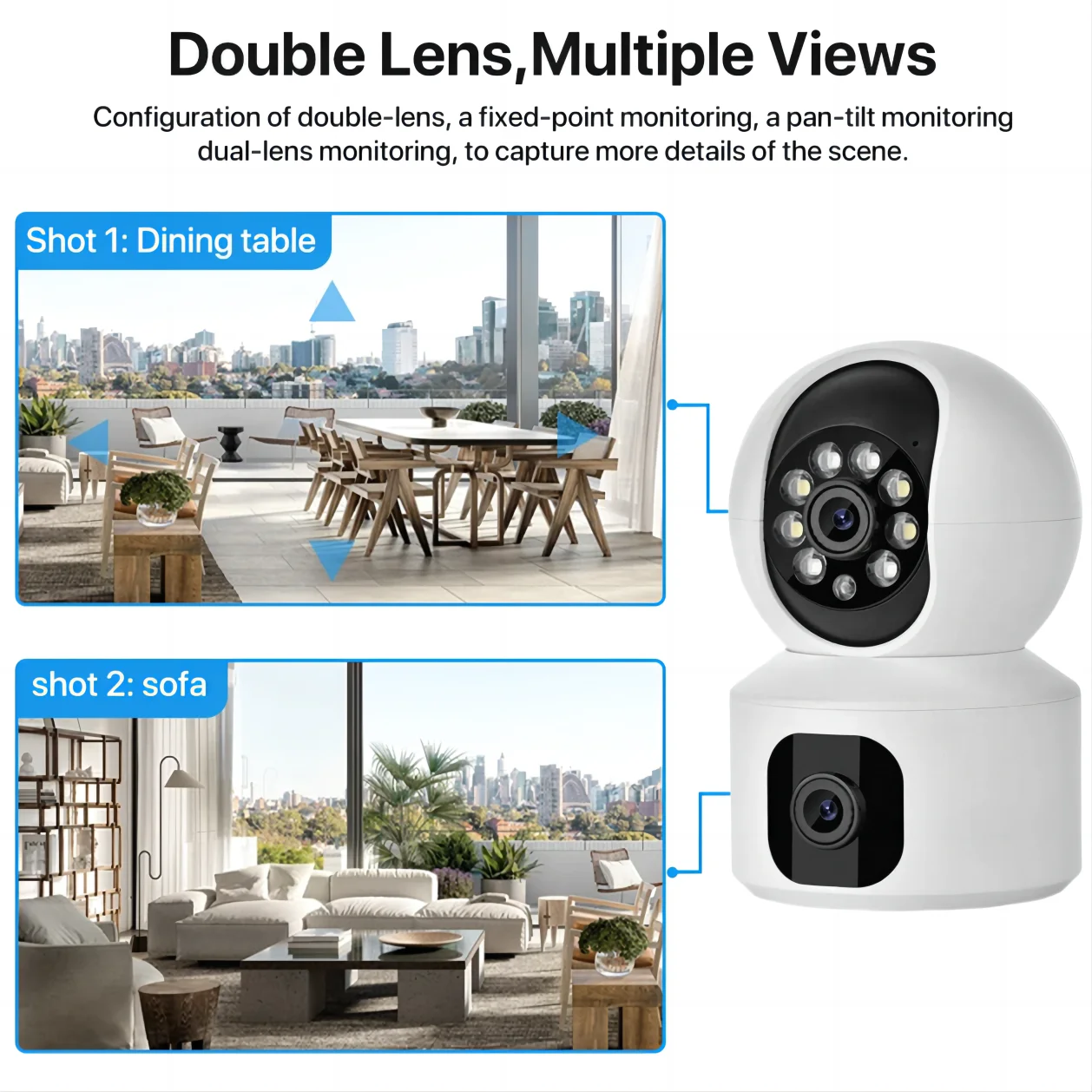
Smart home control devices with tuya camera onvif support help parents stay aware anywhere 💡 See it in action
Curious how a smarter setup could fit your daily routine? Let’s walk through it step by step.
Why automation matters for modern families
Busy households face constant distractions. Between night feedings, school runs, and work calls, it’s easy to miss what’s happening around your home. Automated security reduces that mental load.
- Instant alerts instead of constant checking
- Hands-free monitoring while caring for children
- Consistent coverage day and night
- Shared access for caregivers or partners
For parents already using tools from Monitoring Devices or Smart Baby Gadgets, extending that same convenience to home security feels natural.
What are smart home control devices?
Smart home control devices are centralized tools that connect cameras, sensors, and alerts into one system. A strong setup allows tuya camera onvif compatibility, smooth camera remote monitoring, and a reliable video surveillance system for home safety.
In simple terms, they act as the “brain” of your security—collecting information and delivering it to you in real time.
How to automate your security system step by step
- Choose compatible cameras: Look for tuya camera onvif support to ensure flexibility.
- Install key locations: Entryways, nurseries, and common areas first.
- Set smart alerts: Motion, sound, or activity-based notifications.
- Enable remote access: Use your phone or tablet anywhere.
Many parents start with one reliable camera and expand gradually, just like building a baby essentials kit.
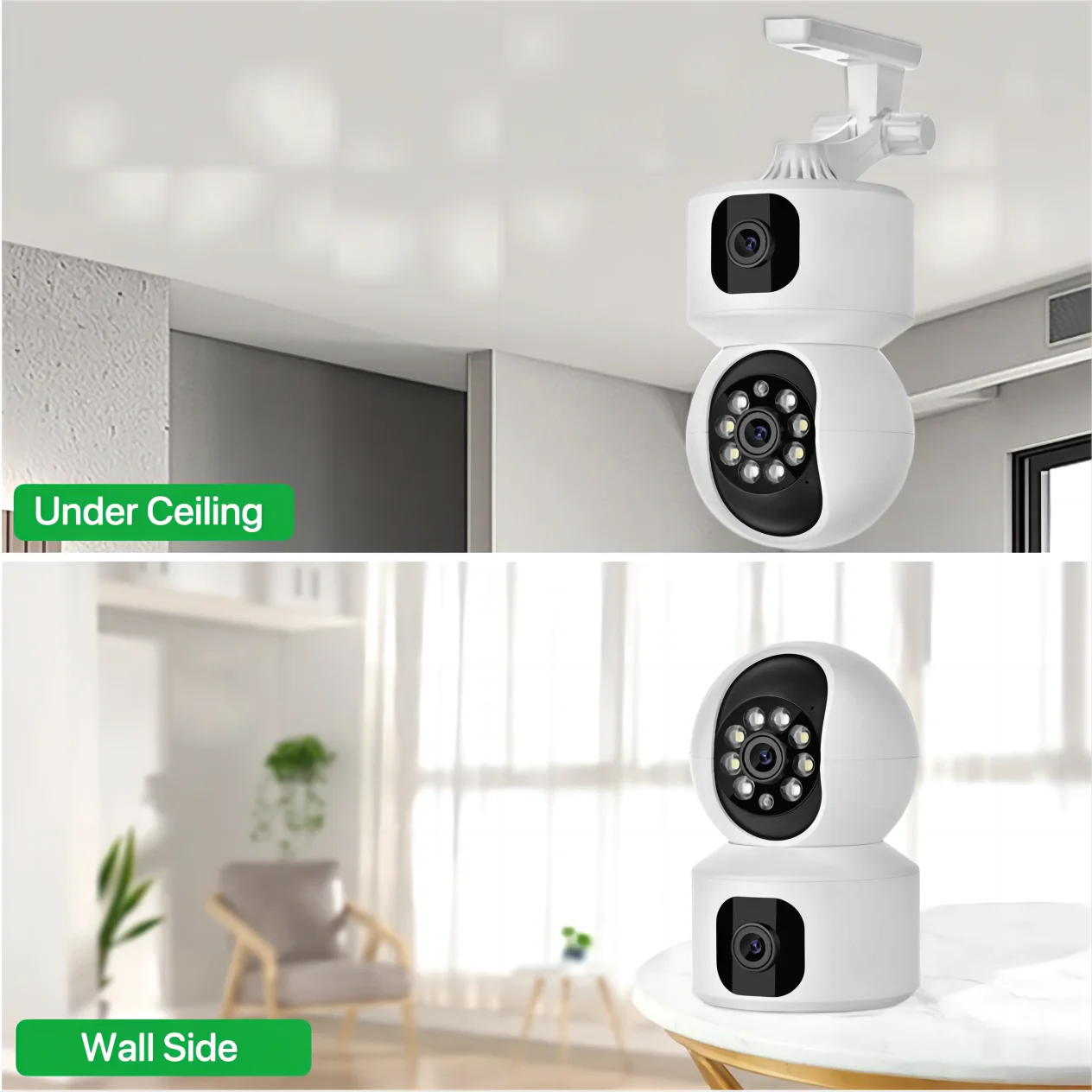
Camera remote monitoring keeps your video surveillance system for home always connected 💡 See it in action
Everyday benefits of camera remote monitoring
Camera remote monitoring isn’t just about security—it’s about confidence.
- Check in during nap time without noise
- Confirm deliveries while away
- Monitor caregivers or babysitters
- Review activity history when questions arise
Families often pair security systems with wellness-focused tools from Health & Safety to create a calmer, safer home environment.
Choosing the right camera for home use
Not all cameras fit family needs. A dependable video surveillance system for home should balance clarity, reliability, and ease of use.
| Feature | Why it matters for families |
|---|---|
| High resolution | Clear images for quick decisions |
| Two-way audio | Communicate without entering the room |
| ONVIF support | Works with future devices |
| Remote access | Peace of mind anywhere |
A popular choice for families exploring automation is the Tuya 8MP WiFi IP Camera, designed to integrate smoothly into growing smart home systems.
Real-life parenting and home safety scenarios
Scenario 1: You’re putting your baby down for a nap and receive a motion alert at the front door. One glance confirms it’s a package—no stress.
Scenario 2: While traveling, you check in remotely and see everything is calm at home.
Scenario 3: A caregiver arrives early, and you’re notified instantly.
These small moments add up to real peace of mind.
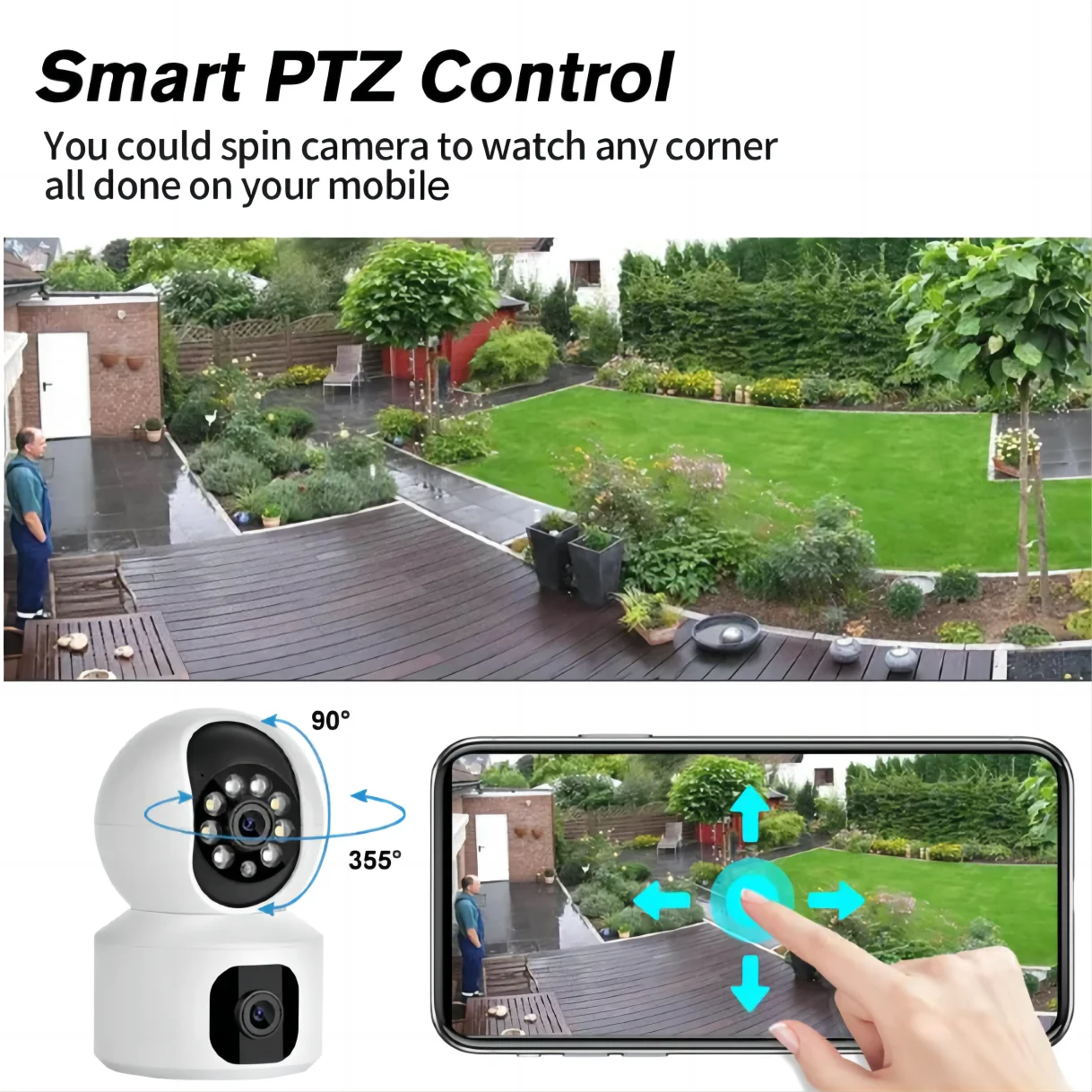
Smart home control devices simplify family security and remote monitoring 💡 See it in action
Frequently asked questions
Can smart home control devices work with existing cameras?
Many systems support tuya camera onvif standards, allowing integration with compatible cameras without replacing your entire setup.
Is camera remote monitoring safe to use daily?
Yes. With proper settings and secure access, daily monitoring helps families stay informed without constant manual checks.
How does a video surveillance system for home help parents?
It provides visibility, faster response to concerns, and reassurance—especially useful during busy routines or when away from home.
Pillar Article: How to Monitor Baby Remotely: Step-by-Step Guide for Parents
Other Related Articles:
- Automatic Human Detection Camera: Set Up Alerts and Zones Easily
- Full Color Night Vision Camera: Maximize Nighttime Visibility
- Using Tuya 8MP Dual-Lens Camera: Easy Setup and Tips
Explore More:





