

MicroSD Baby Video Storage: How to Save and Review Recordings
What is microSD baby video storage and why does it matter?
microSD baby video storage lets parents save video recordings directly onto a memory card inside a baby monitor or camera. This approach keeps footage accessible anytime, even without Wi-Fi, making it easier to replay important moments, track sleep patterns, and store memories securely using microSD baby video storage.
⏱ 7 min read
Have you ever gone to replay a sweet moment from the nursery, only to find the clip missing or unavailable? Many parents worry about lost footage, unstable connections, or complicated apps. microSD baby video storage offers a simple, reliable way to save and review recordings locally, giving you control, peace of mind, and easy access to the moments that matter most.
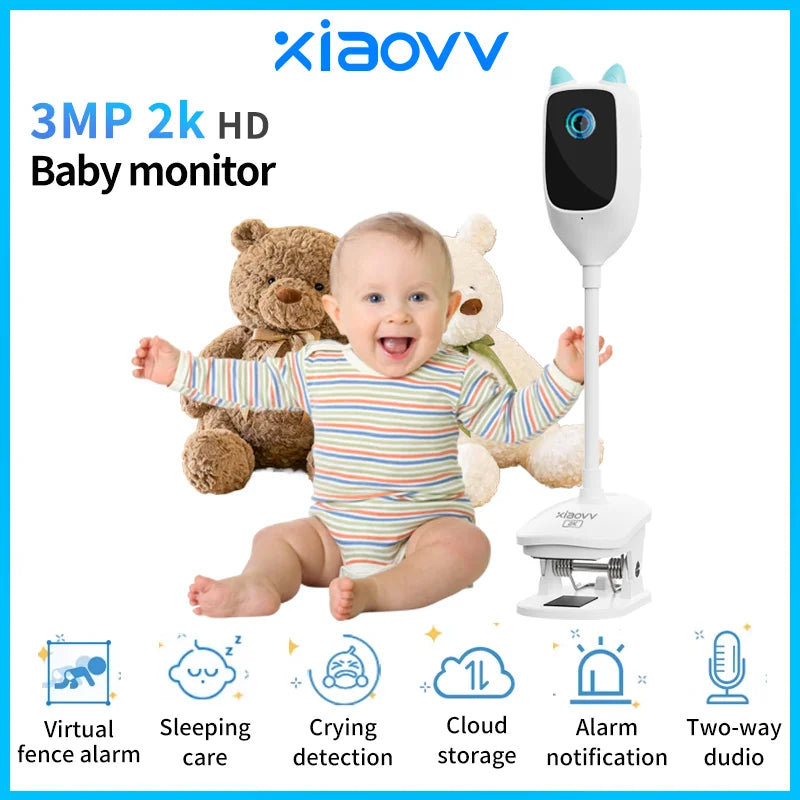
microSD baby video storage with micro sd for video recording keeps precious moments safe 💡 See it in action
Why parents choose local video storage over cloud-only options
microSD baby video storage gives families more control compared to streaming-only systems. Instead of relying on constant internet access, recordings are stored directly on the device.
- Access clips anytime, even during Wi-Fi outages
- No recurring subscriptions to review past footage
- Private storage kept inside your home
- Simple transfer to a computer or micro sd video player
Many parents pairing monitors with Monitoring Devices appreciate how local storage supports daily routines, from checking naps to reviewing overnight activity.
How to choose the right microSD card for baby video recording
microSD baby video storage works best when paired with a reliable memory card. Choosing the right micro sd card for video recording prevents corrupted files and missed clips.
Key features to look for
- Capacity: 64GB–128GB is ideal for daily recording
- Speed class: Class 10 or U3 for smooth playback
- Durability: Heat- and shock-resistant cards last longer
- Compatibility: Works seamlessly with your baby monitor
Parents often feel overwhelmed by tech specs. Keeping it simple ensures your micro sd for video recording just works when you need it.
How to save baby monitor recordings step by step
microSD baby video storage is designed for ease. Once set up, it runs quietly in the background.
- Insert the formatted microSD card into your monitor
- Enable local recording in device settings
- Select continuous or motion-based recording
- Let the system overwrite old files automatically
Using a dependable monitor like the 4MP WiFi Baby Monitor helps ensure every clip is captured clearly, day or night.
Many families also explore Smart Baby Gadgets to simplify monitoring and daily care.
Using a micro sd card for video recording makes reviewing moments simple 💡 See it in action
Easy ways to review and play baby videos
One major benefit of microSD baby video storage is flexible playback. Parents can review clips directly on the monitor or remove the card.
- Watch footage on the monitor screen
- Insert the card into a micro sd video player
- Transfer files to a laptop for long-term keeping
- Share selected moments with family
This flexibility pairs well with products focused on comfort and rest, such as items from Sleep & Comfort, helping parents understand sleep habits more clearly.
How to organize and back up recordings safely
microSD baby video storage works best with a simple organization habit.
- Create folders by date or milestone
- Back up monthly highlights to a computer
- Label files clearly for quick searching
- Keep an extra card as a backup
Parents focused on safety often combine good storage habits with tools from Health & Safety to stay prepared.
Common mistakes parents can avoid
- Using low-speed cards that skip frames
- Forgetting to format cards periodically
- Letting storage fill up without backups
- Removing the card while recording
A little setup attention ensures your microSD baby video storage stays dependable.
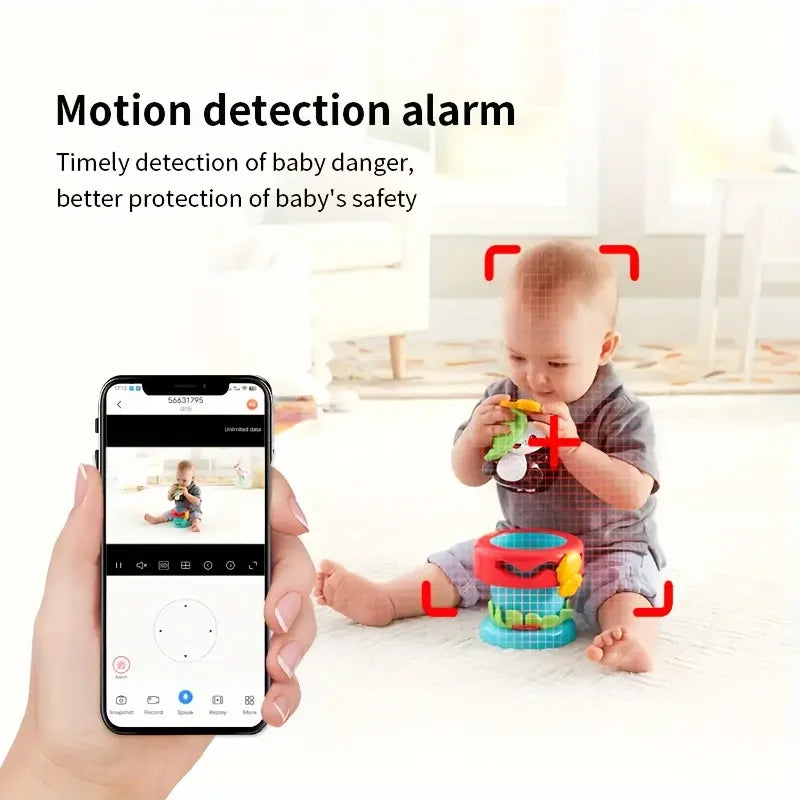
Reliable microSD baby video storage helps protect everyday memories 💡 See it in action
Quick FAQs about microSD baby video storage
How much video can a microSD card store?
A 64GB card can usually hold several days of motion clips or up to 48 hours of continuous HD recording, depending on settings.
Is local storage safe for privacy?
Yes. Files stay on the card inside your home, reducing reliance on external servers.
Can I use the same card in another device?
Most cards work across compatible cameras and micro sd video player devices after formatting.
👉 Get yours now — limited stock! Discover how the 4MP WiFi Baby Monitor pairs seamlessly with microSD baby video storage for everyday peace of mind.
Pillar Article: Sleep Tips for Newborns: Step-by-Step Guide for Restful Nights
Other Related Articles:
- Improve Baby Safety at Night: Practical Monitor Usage Tips
- Automatic Baby Cry Detection: How to Use Monitors Effectively
- How to Monitor Baby Remotely: Easy Setup and Usage Tips
Explore More:





