

What is an electronic stethoscope recording app and how does it help?
An electronic stethoscope recording app captures heart sounds digitally, letting clinicians record, replay, and share audio with clarity. Using an electronic stethoscope recording app improves heart sound recorder interpretation, supports waveform audio visualization, and enables secure tele auscultation for faster reviews and better collaboration.
Electronic Stethoscope Recording App: Step-by-Step Setup
⏱ 8 min read · Busy clinics and mobile care teams need clean, reliable heart sound recordings—fast. If you’ve ever struggled to capture faint murmurs, replay clips during rounds, or share files securely for a second opinion, this walkthrough shows exactly how to set up an electronic stethoscope recording app in minutes and use it with confidence.
Ever miss subtle details because background noise drowned out a murmur—or because you couldn’t replay what you heard? Many professionals feel that frustration. The good news: modern recording apps paired with Bluetooth stethoscopes simplify capture, playback, and sharing so nothing gets lost.
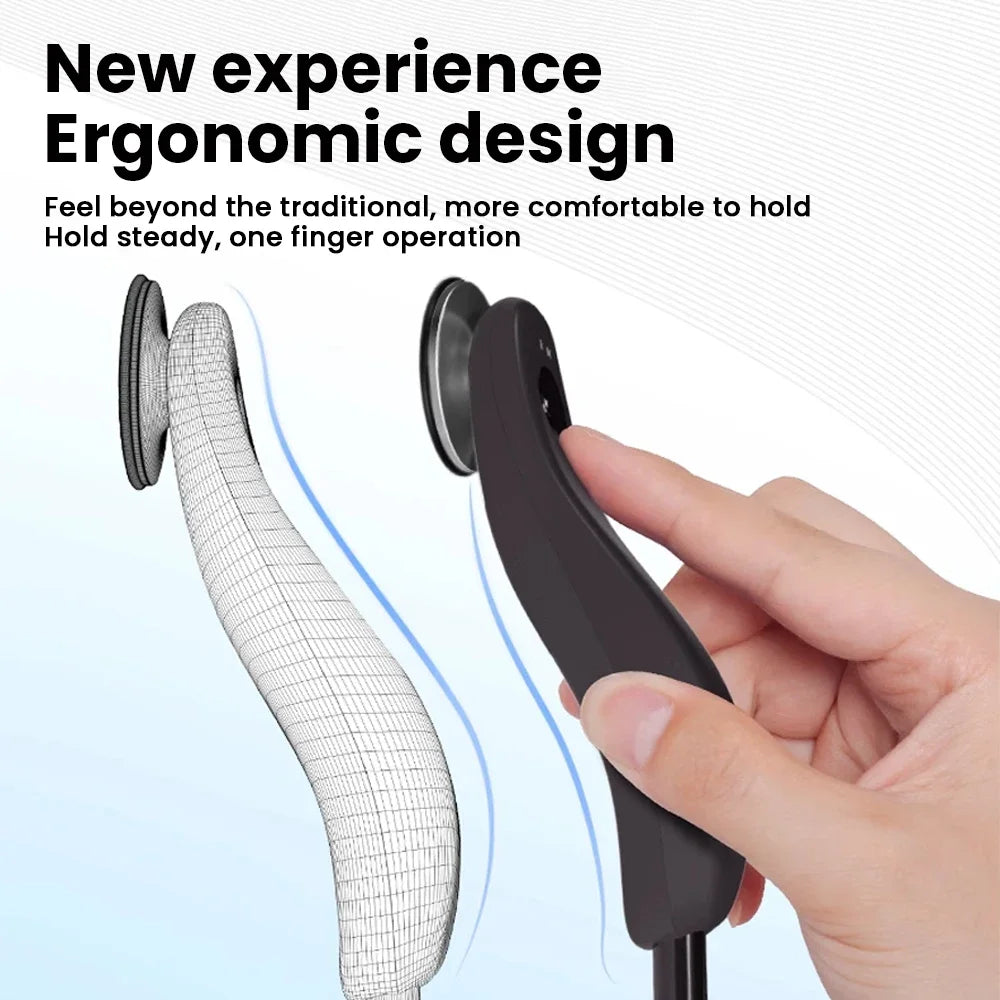
Electronic stethoscope recording app setup for visualizing heart sounds 💡 See it in action
Why a Recording App Changes Daily Practice
An electronic stethoscope recording app removes guesswork by preserving what you hear. Instead of relying on memory, you can replay clips, slow them down, and compare waveforms across visits—ideal for monitoring changes over time.
- Capture consistent audio even in noisy rooms
- Replay during charting or teaching moments
- Share securely for second opinions
- Build a personal audio library for reference
Clinics that already use connected tools from Monitoring Devices often find recording apps slot naturally into existing routines.
Step-by-Step Setup in Minutes
An electronic stethoscope recording app is designed for speed: pair once, then record with a tap. Follow these steps to get started.
- Install the app on your phone or tablet.
- Power on your Bluetooth stethoscope and pair.
- Select recording quality and noise filters.
- Test with a short clip and adjust gain.
For compatible hardware, see the electronic stethoscope that pairs seamlessly.
Visualizing Heart Sounds Makes Patterns Obvious
An electronic stethoscope recording app doesn’t just record—it turns audio into visuals. Waveform audio visualization highlights timing, intensity, and rhythm so subtle changes stand out.
Seeing S1 and S2 spacing or irregular peaks can speed recognition, especially during reviews.
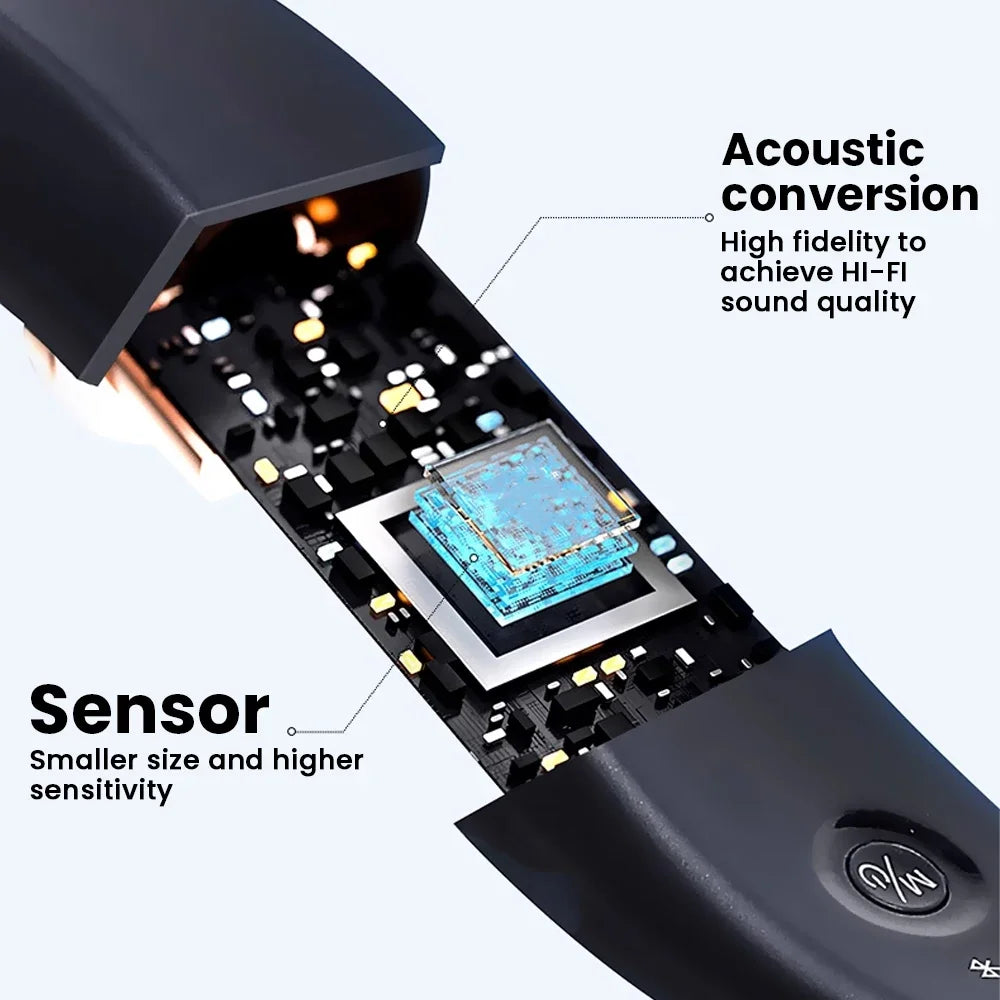
Waveform audio visualization for heart sound recorder interpretation 💡 See it in action
Benefits of waveform audio visualization
- Quick comparison between visits
- Easier teaching and documentation
- Reduced reliance on memory alone
- Clearer collaboration with remote colleagues
Heart Sound Recorder Interpretation: Practical Tips
Accurate interpretation improves when recordings are clean and consistent. Start with proper placement, then refine settings.
- Use moderate gain to avoid clipping
- Record at rest for baseline sounds
- Label clips immediately
- Compare waveforms side by side
Professionals who value safety and clarity often pair this workflow with tools from Health & Safety for a cohesive setup.
Tele Auscultation Without Workflow Disruption
An electronic stethoscope recording app supports tele auscultation by enabling secure sharing. Record once, then send encrypted files to colleagues or specialists—no re-recording needed.
This approach saves time and reduces patient callbacks.
How It Compares to Traditional Listening
| Feature | Traditional Stethoscope | Recording App |
|---|---|---|
| Replay | No | Yes |
| Visualization | No | Waveform display |
| Sharing | In-person only | Secure digital |
| Teaching | Limited | High |
Secure Storage and Easy Organization
Recorded files are encrypted and stored locally or in approved cloud folders. Tagging and folders keep sessions organized, while permissions control who can access shared clips.
This mirrors best practices used across Smart Baby Gadgets—simple interfaces with strong safeguards.
Real-World Results Clinicians Notice
Users report fewer repeat exams, clearer documentation, and faster consultations. One clinic noted a 30% reduction in follow-up calls after adopting digital recording for reviews.
Teaching hospitals also value replayable clips for consistent training.
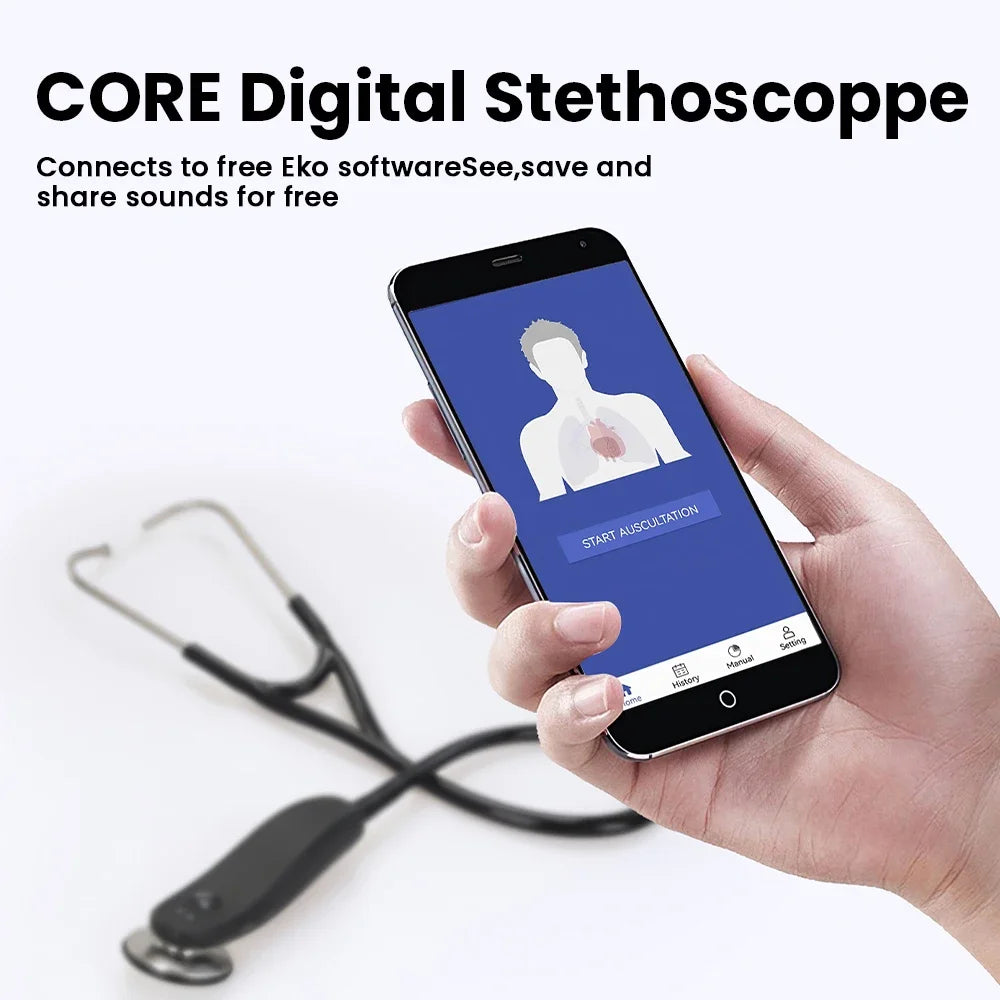
Tele auscultation with an electronic stethoscope recording app 💡 See it in action
Quick FAQs
Does recording affect sound quality?
No. High-resolution capture preserves detail and often improves clarity with noise filtering.
Can recordings be shared securely?
Yes. Files are encrypted and shared with controlled permissions.
Is setup complicated?
Setup typically takes under five minutes with guided pairing.
Pillar Article: Not Found
Other Related Articles:
- Intelligent Auscultation Noise Filtering: Why It Matters
- Digital Stethoscope With Recording: How to Use It Correctly
Explore More:





