

Does the SOS button on kids’ watches really work?
Answer: The how sos button works feature allows a child to trigger an emergency alert with a single press-and-hold action. Depending on the watch, it can call caregivers, send text or app notifications, share the child's GPS location, and open two-way voice communication, helping trusted adults respond as quickly as possible.
⏱ 7 min read
How SOS Button Works on Kids Watches and How to Teach Your Child to Use It
Worried about your child being able to reach you quickly in an emergency? You're not alone. Modern kids' smartwatches include an SOS feature designed to help children contact trusted adults with one simple action. This guide explains how sos button works on kids' watches, what happens after it is pressed, how to configure it correctly, and how to teach your child to use it confidently and responsibly.
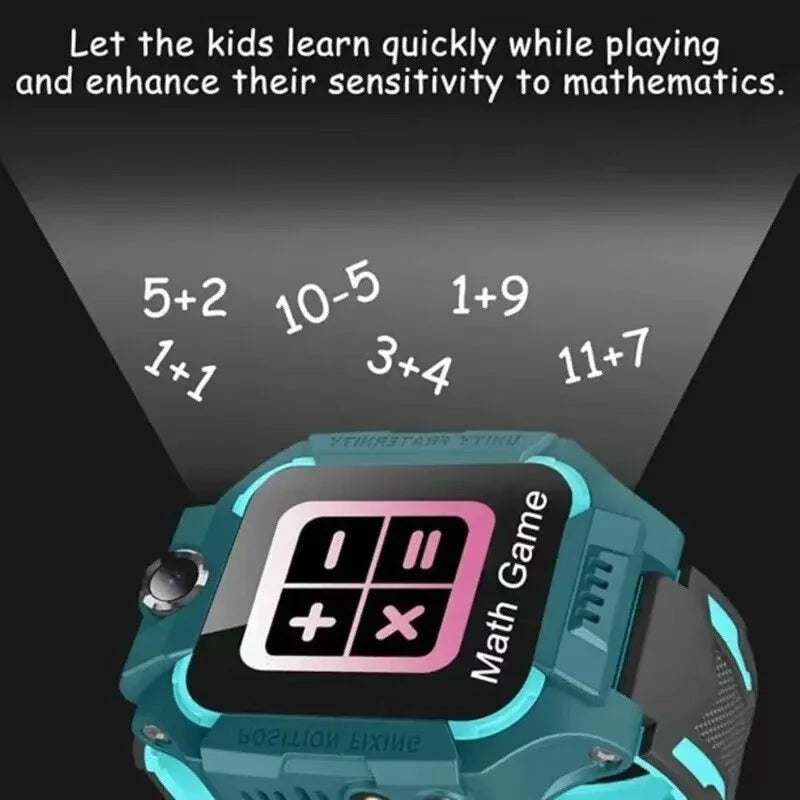
how sos button works + smart watch emergency — See it in action
How Does the SOS Button Work on a Kids Smartwatch?
The how sos button works on kids watch process is intentionally simple so children can remember it even during stressful situations. After pressing and holding the designated SOS button—typically for 3 to 5 seconds—the watch starts a pre-configured emergency sequence.
Step-by-step SOS alert workflow: button press to emergency response
- The child presses and holds the SOS button.
- The watch verifies the long press to reduce accidental activation.
- An emergency call, SMS, or app notification is sent to designated caregivers.
- The child's current GPS location is shared whenever location services are available.
- If supported, the watch starts two-way voice communication.
- If the first caregiver doesn't answer, many watches automatically contact the next emergency contact.
Typical emergency workflow:
Press SOS → Emergency alert → GPS location shared → Parent receives notification → Parent calls child or heads to location.
What happens after the SOS button is activated
Although features differ between manufacturers, most children's smartwatches combine several technologies to improve reliability:
- Cellular connection: Required for voice calls and mobile data.
- SIM or eSIM: Needed on most 4G-enabled watches to contact caregivers.
- GPS positioning: Shares the child's approximate location.
- Companion app: Allows parents to receive alerts, manage contacts, and review activity.
Without a mobile connection or properly configured companion app, some SOS functions may be limited even though the button still activates.
What Happens When a Child Presses the SOS Button?
Understanding exactly what parents receive helps set realistic expectations during emergencies.
Emergency alert timeline: first 10 seconds to parent response
| Time | Typical event |
|---|---|
| 0–3 seconds | Child holds SOS button. |
| 3–5 seconds | Emergency alert begins. |
| 5–10 seconds | Parents receive a call, app notification, or SMS. |
| Immediately after | GPS location appears in the companion app if available. |
How GPS location and voice calling work during emergencies
GPS accuracy depends on satellite visibility, nearby Wi-Fi networks, and cellular coverage. Outdoors, many watches provide relatively accurate positioning, while indoor locations may be less precise.
If two-way calling is enabled, parents can immediately speak with their child to determine:
- Whether the child is safe.
- If they are lost or simply separated.
- Whether emergency services should be contacted.
- Whether another trusted adult is already helping.
How to Set Up the SOS Button on a Kids Smartwatch
Correct setup is essential. Even the best emergency feature cannot work properly without the right contacts, permissions, and connectivity.
Add emergency contacts and enable SOS settings
- Add primary and backup contacts: Parent, guardian, and another trusted adult.
- Choose contact priority: Decide whether the watch calls contacts sequentially or simultaneously.
- Enable SOS notifications: Verify they are turned on inside the parental app.
- Select the press duration: Most families choose 3 seconds to balance speed and accidental activation.
- Run a complete test before relying on the feature.
Check SIM, network, GPS, and app permissions
- Confirm the SIM or eSIM is activated.
- Ensure cellular service is available where your child spends time.
- Allow GPS and location permissions.
- Keep the parental app updated.
- Verify battery-saving settings are not disabling location services.
Need hands-on gear that supports easy setup and dependable alerts? Check products in Monitoring Devices or browse Smart Baby Gadgets for kid-friendly options. You can also learn about safety gear in Health & Safety .
How to Teach Your Child to Use the SOS Button
Children remember simple routines better than lengthy explanations. Practice calmly until using the SOS button becomes second nature.
Simple explanation children can remember
- "If you're lost, scared, hurt, or can't find me, press and hold this button."
- "After you press it, I'll know where you are."
- "Stay where you are unless you're in immediate danger."
- "Talk to me through the watch if it starts calling."
Practice steps and safety rules
- Show your child where the SOS button is.
- Practice a supervised test call.
- Explain when the button should and should not be used.
- Repeat drills every week for several minutes.
- Praise correct use so confidence replaces panic.
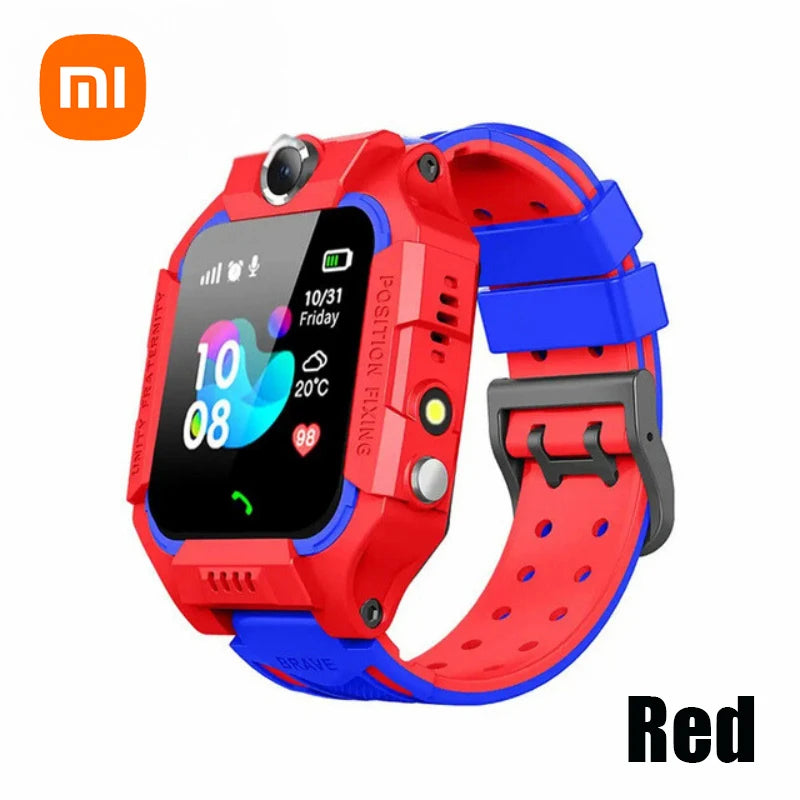
smart watch emergency + child safety emergency alerts — See it in action
SOS Button Practice Drills and Real-Life Examples
When children should activate emergency SOS
- They are lost in a shopping center.
- They cannot find a trusted adult.
- They feel unsafe.
- They become injured.
- They encounter an unexpected emergency while walking home.
Weekly practice routine for families
- Home drill: Practice calling from another room.
- School pickup drill: Review what to do if pickup plans change.
- Park drill: Practice activating SOS at a designated meeting point.
- Travel drill: Practice what to do if separated in airports, museums, or malls.
Parents should always respond to practice alerts exactly as they would during a real emergency. This helps children build confidence without creating fear.
Want to see a specific device? The product we reference throughout is available here: Kids 4G Smart Watch GPS SOS Camera .
Why the SOS Button May Not Work: Common Problems
No signal, low battery, or GPS issues
- Poor cellular reception prevents calls.
- Battery is too low for reliable operation.
- GPS cannot obtain an accurate location indoors.
- Location services are disabled.
Incorrect setup and emergency contact problems
- Emergency contacts were entered incorrectly.
- SIM card has not been activated.
- The companion app has lost permissions.
- The watch firmware needs updating.
- Parents have disabled notifications on their phones.
Quick reliability checklist:
- ✓ Battery above 50%
- ✓ Cellular signal available
- ✓ GPS enabled
- ✓ Companion app connected
- ✓ Emergency contacts tested monthly
Safety Tips for Using a Kids Watch SOS Feature
Prevent false alarms
- Use a 3–5 second hold: Helps prevent accidental activation.
- Practice regularly: Children learn when SOS is appropriate.
- Review alert history: Discuss accidental activations calmly.
- Keep software updated: Updates often improve reliability.
Balance child safety and privacy
- Explain why trusted adults can see their location.
- Only share tracking access with caregivers.
- Create family emergency meeting points.
- Encourage independence while reinforcing responsible SOS use.
A Simple Family Safety Plan to Pair with the Watch
- Create a family emergency phrase such as "I need help."
- Choose a meeting point in frequently visited places.
- Practice once a week for the first month.
- Review completed test alerts together so children understand the system works.
Frequently Asked Questions About Kids Watch SOS Buttons
-
How does the SOS button work on a kids smartwatch?
Holding the SOS button activates emergency alerts that can call caregivers, send notifications, and share GPS location, depending on the watch model. -
What happens when a child presses the SOS button?
The watch typically contacts saved emergency contacts in order while transmitting location information through the companion app. -
Does a kids watch SOS button need a SIM card?
Most 4G kids' watches require an active SIM or eSIM for voice calls and mobile data. Wi-Fi-only devices often provide fewer emergency features. -
Can parents see a child's location during an SOS alert?
Yes, provided GPS and location permissions are enabled and the watch has connectivity. -
Why is my kids smartwatch SOS button not working?
Common causes include low battery, poor signal, disabled GPS, incorrect contact setup, inactive SIM service, or missing app permissions. -
How do I teach my child to use the SOS button correctly?
Use short explanations, regular practice drills, and role-playing exercises so they know when to press the button and what to do afterward.
Final thought: Understanding how sos button works is only the first step. Regular testing, proper setup, and age-appropriate practice help ensure the feature works reliably when it matters most. A well-prepared child and a properly configured smartwatch can provide valuable peace of mind for the whole family.
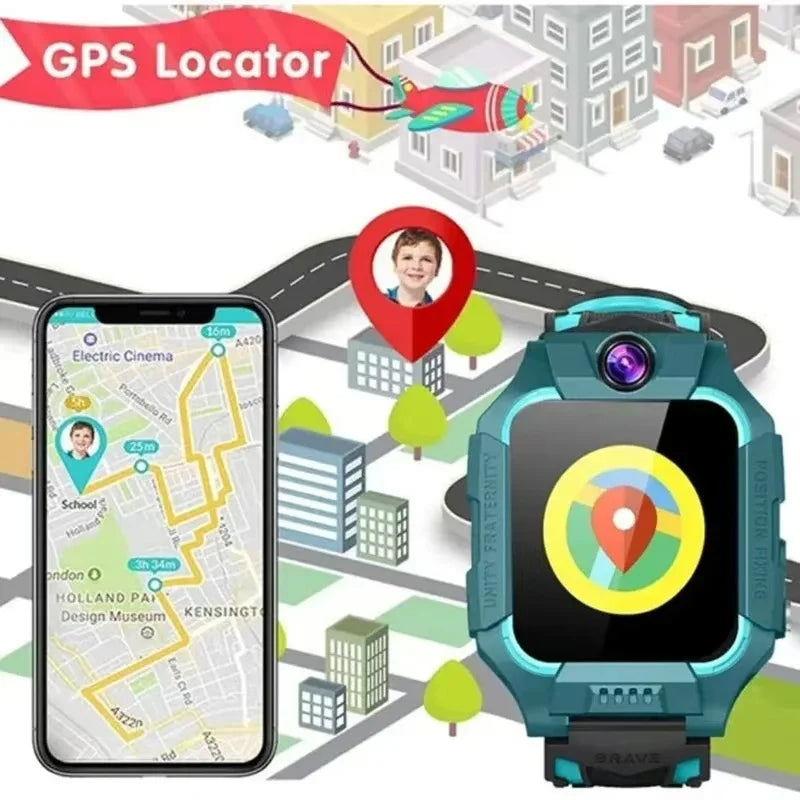
child safety emergency alerts + emergency alert examples — See it in action
Related collections: Smart Baby Gadgets , Monitoring Devices , Health & Safety
Pillar Article: How to Track My Child Safely: A Practical Parent’s Step-by-Step Guide
Other Related Articles:
- Touchscreen Smartwatch for Kids: Easy Tips to Help Them Use It Independently
- Remote Monitoring Smartwatch Setup Guide for Stress-Free Daily Check-Ins
- IP67 Waterproof Kids Watch Review: Top Safe Picks for Everyday Play
Explore More:





