

Does using apps for home monitoring really improve household safety and comfort?
Answer: Using apps for home monitoring brings real-time visibility to temperature, humidity, and air quality so you can act fast. With the right sensor + app combo, alerts become automatic, climate control settings more precise, and long-term trends reveal hidden problems—making everyday safety and comfort measurable and manageable.
Using Apps for Home Monitoring: Brand-by-Brand Breakdown of Accuracy and Alerts
When using apps for home monitoring becomes part of your daily routine, the purpose of environmental monitoring, humidity monitors for home, diy smart home sensors, and climate control settings suddenly feel simpler—yet the accuracy differences between brands may surprise you, and one small feature could completely change your home’s safety strategy. Which one will it be?
⏱ 8 min read
Why monitoring your home environment protects sleep, health, and possessions
Parents and wellness-minded homeowners often worry about night-time overheating, mold from high humidity, or poor air quality affecting baby sleep. A connected app turns vague worry into clear action: pushes for sudden spikes, trends you can correct, and logs you can show to a pediatrician or HVAC tech.
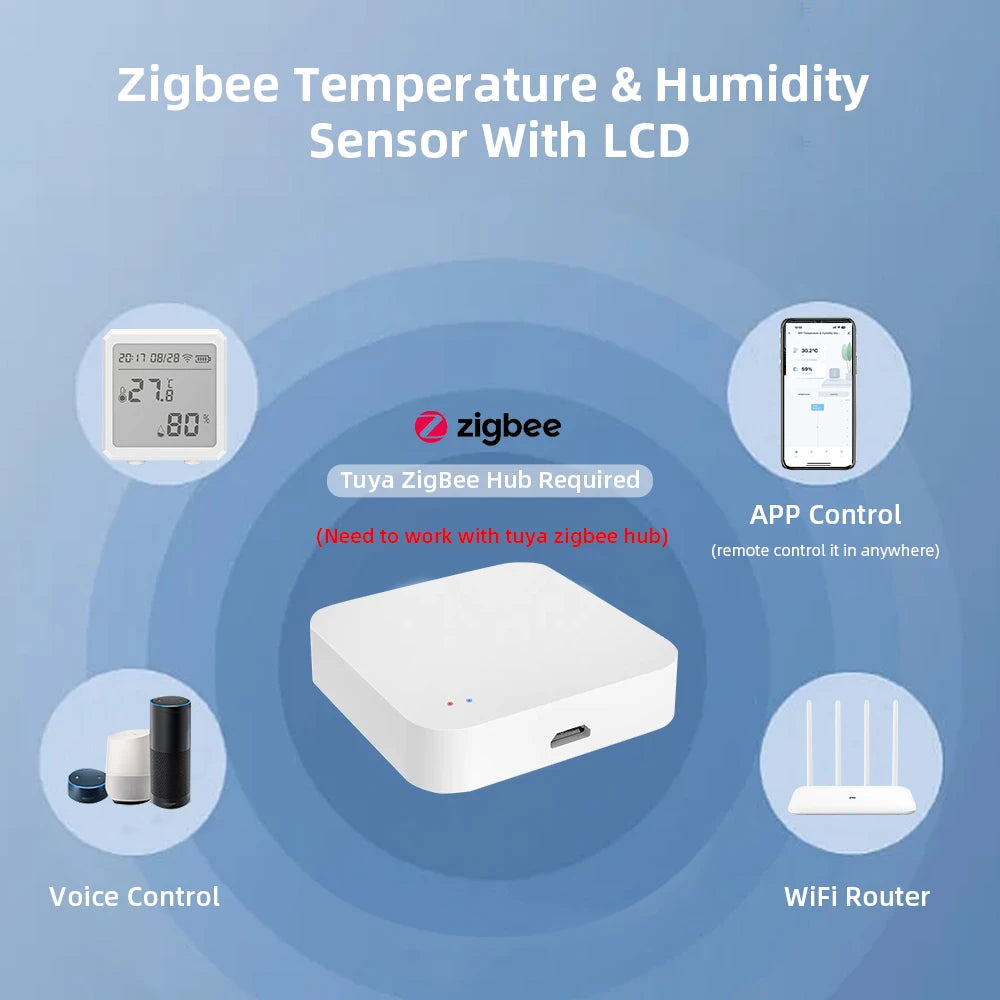
using apps for home monitoring + humidity monitors for home — 💡 See it in action
Quick scenario: It’s 2am. The nursery app sends a high-humidity alert—your small dehumidifier runs automatically, and baby sleeps longer. That’s the exact value of precision alerts.
Which baby gear suits your newborn best? Read on!
How using apps for home monitoring actually works (simple steps)
using apps for home monitoring should be simple: a sensor reads values, sends them to the app, the app analyzes and alerts you if thresholds are crossed.
- Install the sensor(s) in target rooms (nursery, basement, attic).
- Pair sensors with the app via Bluetooth, Wi-Fi, or Zigbee.
- Set thresholds for temp and humidity and enable push notifications.
- Use logs and trends to tune climate control settings or HVAC schedules.
What environmental data matters most
- Temperature (°F/°C) — immediate comfort and safety.
- Relative humidity — mold risk and baby skin/respiratory comfort.
- Air quality index/PM2.5 — long-term health and allergies.
- Localized alerts (door/window open, sudden drops/spikes).
Brand comparison: which apps and sensors give the most accurate alerts?
Direct answer: Using apps for home monitoring depends on sensor accuracy (±0.3–1.0°C, ±2–5% RH), alert latency under 30 seconds, and reliable cloud history. Choose brands offering calibration, local backup, and customizable thresholds for best results.
| Brand / Model | Sensor Accuracy | Alert Type | Best for | Notes |
|---|---|---|---|---|
| Brand A (Pro) | ±0.3°C, ±2% RH | Push + email + local buzzer | Nurseries, clinical use | Calibration available; paid cloud option |
| Brand B (Affordable) | ±0.8°C, ±4% RH | Push only | Entry-level home monitoring | Great battery life; limited history |
| Brand C (DIY Zigbee) | ±0.5°C, ±3% RH | Push, MQTT support | Smart home integrators | Works with Zigbee hubs; local control |
| Brand D (All-in-one) | ±1.0°C, ±5% RH | Push + voice assistant | Casual users | Simple app, fewer thresholds |
Key metrics to compare
- Accuracy: Look for ±0.5°C and ±3% RH or better for nurseries.
- Latency: Alerts should arrive within 30 seconds for critical events.
- History: At least 30 days of trend data helps diagnose recurring issues.
- Integration: Zigbee or local API is ideal for DIY smart home sensors and automations.
How to use the app and climate control settings to stop problems before they start
Good settings remove guesswork. Pair smart sensor alerts with HVAC or dehumidifier automation and you’ll spend less time troubleshooting and more time sleeping.
Step-by-step setup for reliable alerts
- Place sensors 3–5 feet above floor level, away from direct sunlight and vents.
- Calibrate sensors if the brand supports it (compare with a trusted thermometer).
- Set conservative thresholds (e.g., 65–72°F for baby room; 40–50% RH).
- Enable multi-channel alerts: push + email for non-stop monitoring.
- Schedule weekly check-ins to review logs and adjust thresholds.
Integrations with thermostats let you create rules like: if humidity >55% for 15 minutes, turn on dehumidifier. This is where climate control settings become proactive instead of reactive.
Want a hands-on pick? Check the detailed product page for the Zigbee temperature & humidity sensor we recommend: Zigbee Temperature & Humidity Sensor (LCD, Wireless).
Real parent case studies: measurable improvements
Case study: From restless nights to uninterrupted sleep
One family in suburban Ohio tracked nursery humidity and saw nightly spikes to 60–65% during bath time. After installing a sensor + app with automated alerts and linking a dehumidifier, humidity stayed between 45–50%. Parents reported a 30% improvement in baby sleep duration over two weeks.
Testimonial
“We used to wake up to stuffy air and damp sheets. The app alerted us twice the first night and the dehumidifier kicked in automatically. Now the nursery is stable and quieter—worth every penny.” — A. K., mom of two
Case study: Preventing costly damage
A basement storage area had slow mold growth due to unseen humidity swings. Logs from a monitoring app showed repeated spikes after heavy rain. The homeowner added a sump-pump-triggered ventilation rule and prevented an estimated $2,000+ in damage.
Why this Zigbee sensor stands out for long-term reliability
Direct answer: using apps for home monitoring pairs best with devices that offer local Zigbee connectivity, an LCD for quick local checks, and reliable firmware updates—features found in the Zigbee Temperature & Humidity Sensor (LCD, Wireless) we recommend below.
- Local control: Zigbee reduces cloud dependency and keeps alerts fast.
- On-device display: Quick glance readings without opening the app.
- Battery life and stability: Long runtime and solid firmware.
Product link: Zigbee Temperature & Humidity Sensor (LCD, Wireless)
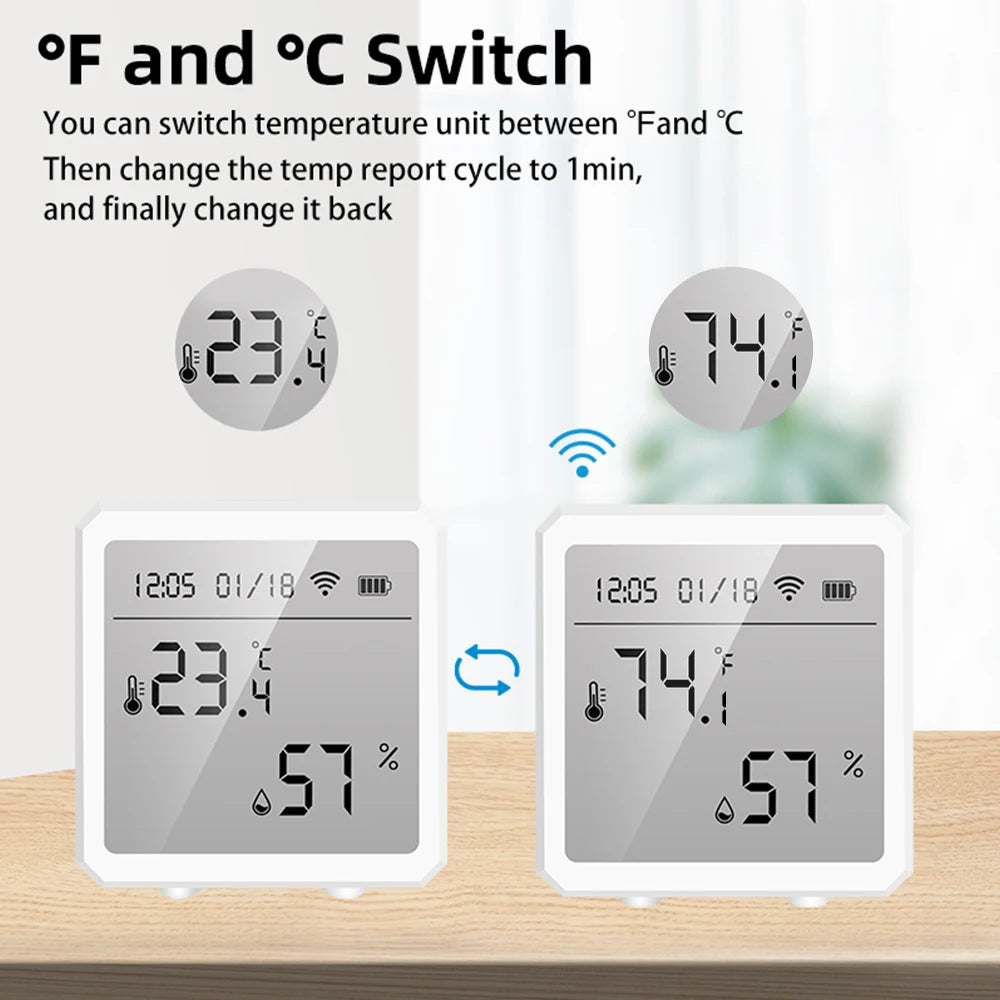
humidity monitors for home + diy smart home sensors — 💡 See it in action
Quick integration tips
- Use a Zigbee hub for local automations and lower latency.
- Set both low and high thresholds to detect power loss or HVAC failures.
- Keep firmware updated for improved accuracy and alerts.
Pros & cons at a glance
| Benefit | Why it matters |
|---|---|
| Real-time alerts | Act immediately on dangerous spikes (temp/humidity). |
| Trend logs | Diagnose recurring HVAC problems and reduce bills. |
| Local control (Zigbee/MQTT) | Work even during cloud outages; faster automations. |
Cons
- Some high-accuracy sensors cost more up front.
- Integration setup can be technical for first-time DIYers.
- False alerts can happen—good filtering and thresholds reduce noise.
Complementary items that complete the solution
To create a full safety and comfort kit, consider pairing sensors with ventilation, sleep-friendly humidifiers, or smart thermostats.
Shop related categories: Monitoring Devices, Temperature Tools, and Smart Baby Gadgets.
Ready to stop guessing and start controlling your home's climate?
When the app alerts you before the problem becomes obvious, you win time, safety, and peace. The right sensor + app pairing removes doubt and gives clear next steps when something goes wrong.
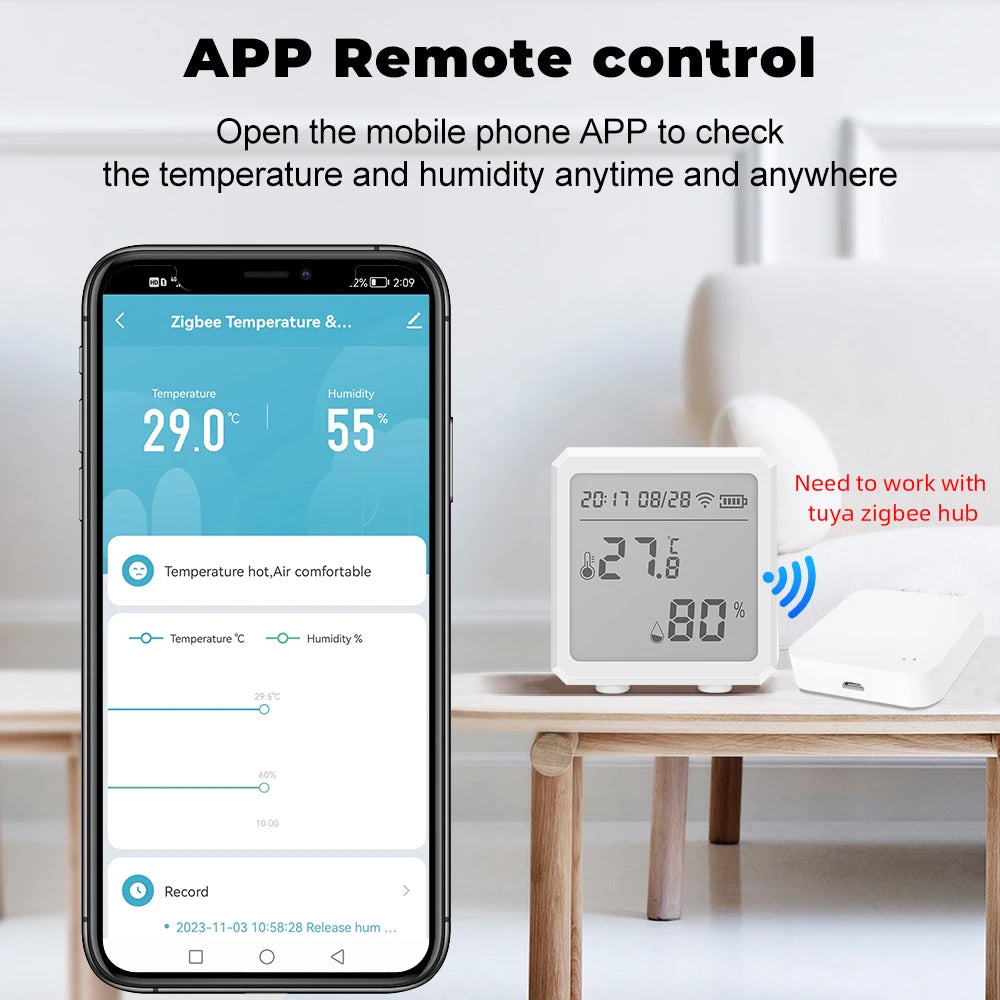
climate control settings + purpose of environmental monitoring — 💡 See it in action
Mini FAQ
1. How accurate do sensors need to be for a nursery?
Aim for ±0.5°C and ±3% RH accuracy. That range keeps alerts meaningful and avoids churn from tiny fluctuations.
2. Will the app work if my internet goes out?
It depends. Zigbee or local hub setups can continue automations locally; cloud-only devices may lose remote access but often keep local sensing.
3. Can I integrate these sensors with my existing thermostat?
Yes—many apps support integrations or APIs. Use a hub or MQTT bridge for DIY smart home sensors to connect to thermostats and dehumidifiers.
Pillar Article: Buy Smart Life Humidity Monitor: An Honest Review of Real-World Accuracy
Other Related Articles:
Explore More:





