

Humidity Too High in House? Best Smart Detectors to Fix It Fast
⏱ 7 min read
Does monitoring with smart detectors really help when humidity too high in house ?
Yes. A smart humidity detector helps you identify when humidity is too high in your house before moisture causes mold, condensation, musty odors, or damage. A quality Zigbee temperature and humidity sensor continuously measures indoor conditions, sends alerts when humidity rises above recommended levels, and helps you decide when to ventilate, run a dehumidifier, or automate your home's climate controls.
If you've noticed foggy windows, damp walls, peeling paint, or rooms that always feel sticky, excess indoor humidity is often the underlying cause. Left unchecked, high moisture levels can encourage mold growth, worsen allergies, damage furniture, and make your home less comfortable throughout the year. Smart humidity monitors remove the guesswork by providing accurate, real-time readings that let you respond before small moisture problems become expensive repairs.
In this guide, you'll learn which smart humidity detectors offer the best value, how Wi-Fi, Bluetooth, and Zigbee sensors compare, what accuracy you should expect, and how to choose the right monitoring solution for everything from nurseries and basements to vacant properties. Whether your goal is improving indoor air quality, preventing mold, or building smart home automations, you'll find the information needed to make an informed decision.
humidity too high in house / indoor humidity higher than outside — See it in action
Why monitor humidity now?
Indoor humidity affects far more than comfort. When relative humidity remains above about 60% for extended periods, excess moisture can create conditions that encourage mold, mildew, dust mites, condensation, and gradual damage to walls, flooring, and stored belongings. Monitoring humidity helps you detect these changes early, often before visible signs appear.
Continuous monitoring is especially valuable in homes with babies, allergy sufferers, finished basements, bathrooms with limited ventilation, or vacant properties where moisture problems may go unnoticed for weeks. Instead of relying on how a room feels, smart detectors provide accurate measurements that allow you to respond before humidity reaches unhealthy levels.
How smart detectors help (quick answer)
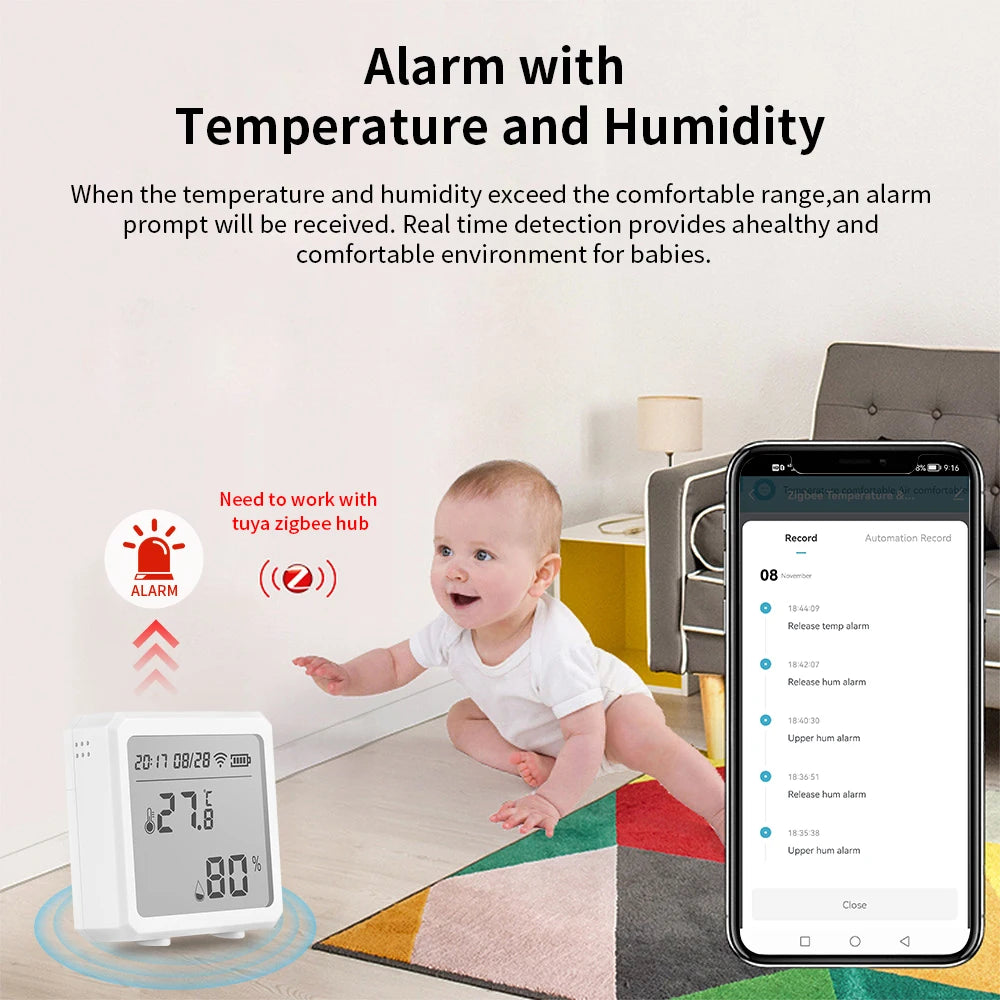
Modern smart humidity detectors continuously measure relative humidity and temperature, then notify you when readings exceed your preferred range—typically around 40% to 50% for most homes. Depending on the model, a Zigbee temperature and humidity sensor, Wi-Fi hygrometer, or Bluetooth monitor can send instant alerts, log historical trends, and even trigger smart fans, dehumidifiers, or other connected devices automatically to help maintain healthier indoor air.
Best smart humidity detectors compared
The right smart humidity detector depends on whether you want simple room monitoring, remote access while traveling, or full smart home automation. The comparison below highlights the most important differences in accuracy, connectivity, battery life, and ideal use cases.
| Model / Type | Best for | Connectivity | Battery Life | Key Features | Smart Home Compatibility |
|---|---|---|---|---|---|
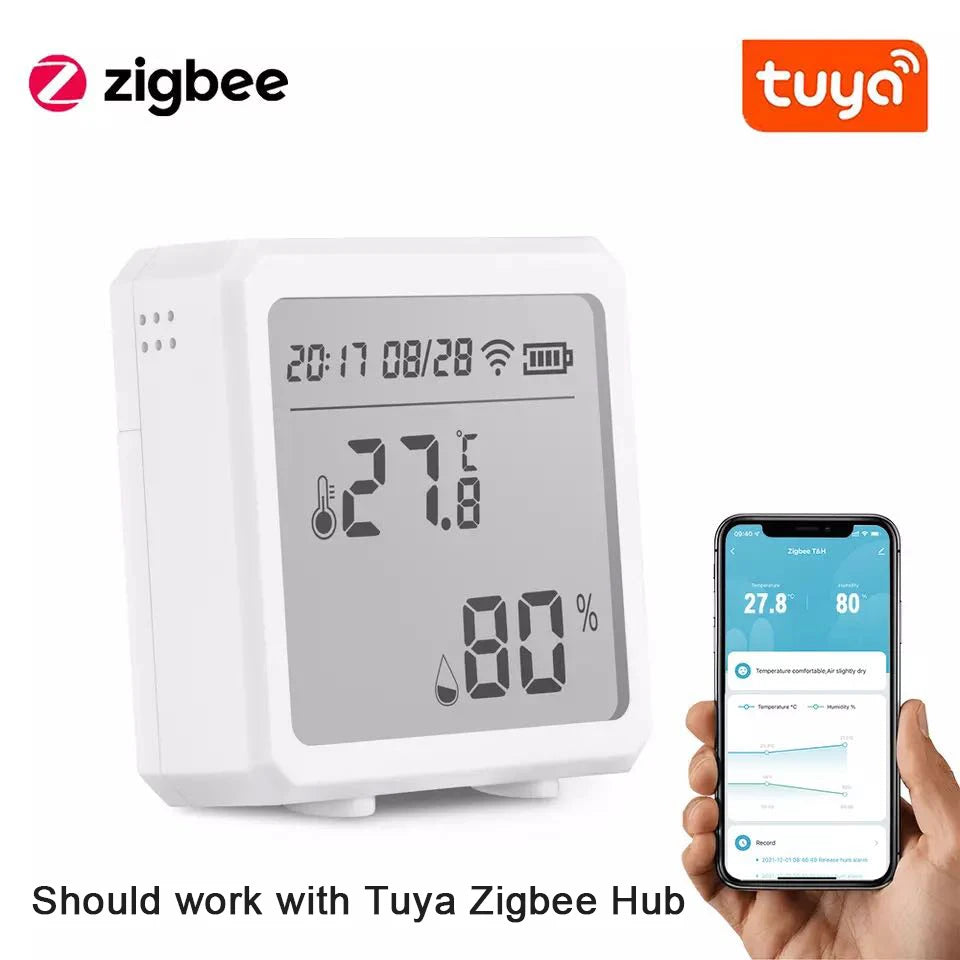
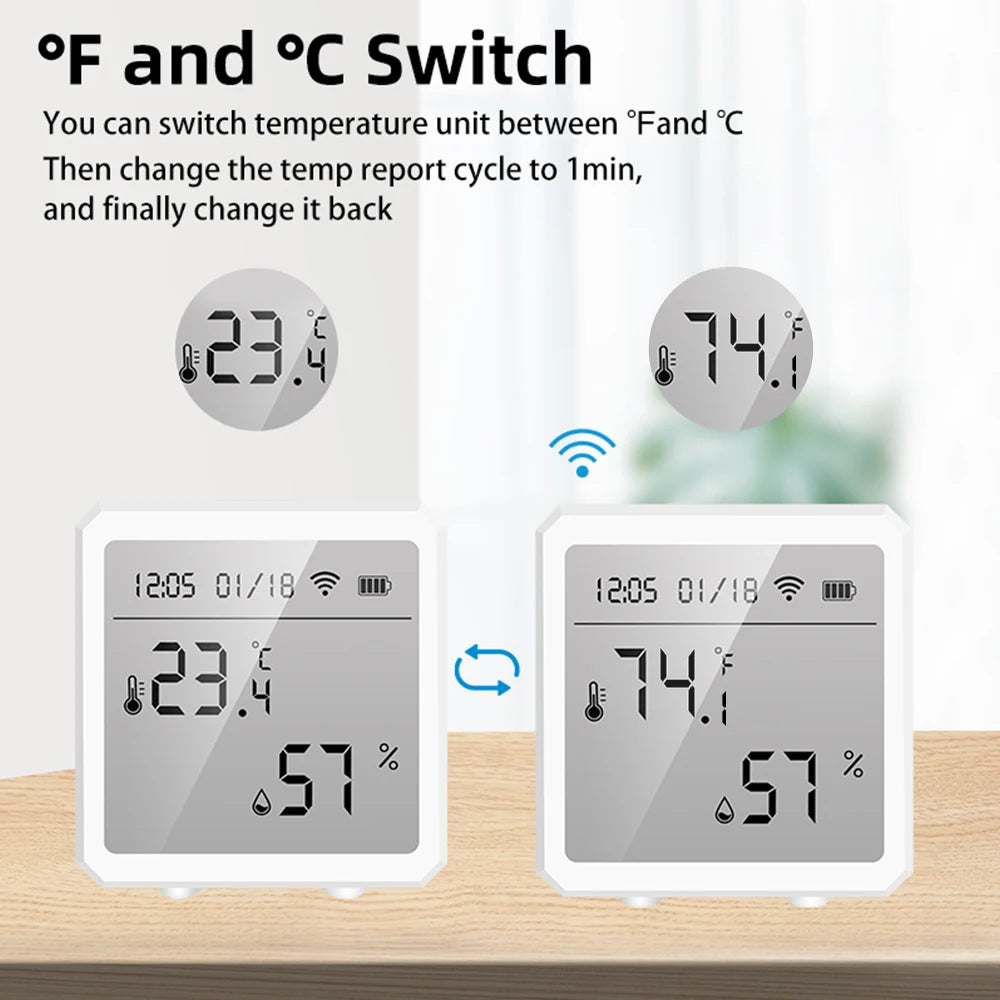
| Zigbee Temp & Humidity Sensor (LCD) | Whole-home monitoring & automation | Zigbee | Excellent | LCD display, temperature + humidity, instant alerts, low-power operation | Zigbee hubs and automation platforms |
| Wi-Fi Smart Hygrometer | Remote monitoring from anywhere | Wi-Fi | Moderate | Cloud app, push notifications, historical data, multi-room support | Works independently without a hub |
| Bluetooth Tiny Sensor | Closets, cabinets, storage areas | Bluetooth | Excellent | Compact size, affordable, quick local readings | Phone connection within Bluetooth range |
| Multi-sensor Hub Pack | Advanced smart homes | Zigbee / Z-Wave | Varies | Humidity, temperature, motion, automation rules, mesh networking | Broad smart home ecosystem support |
Winner quick picks
- Best overall: Zigbee Temperature & Humidity Sensor (LCD) for reliable accuracy, excellent battery life, and dependable smart home automation.
- Best for remote monitoring: Wi-Fi smart hygrometer for checking conditions while away from home.
- Best budget option: Bluetooth humidity sensor for occasional room checks and small spaces.
- Best for advanced automation: Multi-sensor hub systems that integrate humidity with HVAC and other smart devices.
How to choose the right sensor for your home
Selecting the best smart humidity sensor starts with how you plan to use it. Some homeowners only need reliable alerts in a nursery or basement, while others want a complete humidity monitoring system that automatically controls dehumidifiers, exhaust fans, or HVAC equipment.
Key considerations
- Accuracy: Choose sensors rated within approximately ±2% to ±3% relative humidity for dependable long-term readings.
- Connectivity: Wi-Fi works well for simple remote monitoring, Bluetooth suits nearby spot checks, while Zigbee provides excellent reliability for smart home automation.
- Battery life: Low-power Zigbee devices often operate for many months or even years before requiring replacement batteries.
- Automation support: Verify whether the sensor can trigger smart plugs, dehumidifiers, exhaust fans, or ventilation routines when humidity exceeds your chosen threshold.
- Historical data: Sensors that store humidity trends make it easier to identify recurring moisture problems and seasonal changes.
- Installation location: Place dedicated sensors in high-risk spaces such as basements, bathrooms, laundry rooms, nurseries, or rooms with previous moisture issues.
For homeowners planning to build a dependable smart monitoring system, the Zigbee Temperature & Humidity Sensor (LCD) offers accurate readings, low power consumption, and seamless integration with compatible Zigbee hubs.
indoor humidity higher than outside / preventing mold in vacant house — See it in action
How to use and place sensors (step-by-step)
- Identify the rooms most likely to experience excess moisture, such as basements, bathrooms, kitchens, laundry rooms, nurseries, or enclosed storage areas.
- Mount the sensor about 3 to 5 feet above the floor, away from direct sunlight, HVAC vents, windows, or appliances that produce heat or steam.
- Allow the sensor to stabilize for 24 to 48 hours before evaluating long-term humidity patterns or adjusting calibration settings if supported.
- Configure notifications when humidity exceeds your preferred range, typically around 45% to 50% RH for most living spaces.
- If supported, create smart automations that activate dehumidifiers, ventilation fans, or send alerts whenever humidity rises unexpectedly.
Placement tips for special cases
- Vacant house: Install one sensor near the HVAC return and another in the basement or lowest level to detect moisture buildup early. Remote Wi-Fi or hub-based monitoring is especially valuable.
- Nursery: Position the sensor in the same room but well outside the baby's reach and away from humidifiers that may produce misleading readings.
- Closets and attics: Compact Bluetooth sensors are ideal for occasional inspections where permanent internet connectivity is unnecessary.
Fast fixes once a sensor warns you
Receiving an alert is only valuable if you act quickly. Most humidity problems can be reduced before mold develops by identifying the source of excess moisture and lowering indoor relative humidity back into the recommended 40% to 50% range.
- Run a dehumidifier: Operate it until humidity returns to your target level, especially in basements and laundry rooms.
- Improve ventilation: Open windows when outdoor humidity is lower, or use exhaust fans to remove moisture from bathrooms and kitchens.
- Check for water leaks: Inspect plumbing, windows, roofs, and HVAC systems for hidden sources of moisture.
- Reduce indoor moisture generation: Cover cooking pots, vent clothes dryers outdoors, and avoid drying laundry indoors whenever possible.
- Monitor problem areas: Continue tracking humidity for several days to ensure levels remain stable after corrective actions.
Smart automation ideas
- Automatically switch on a dehumidifier whenever humidity exceeds 50% RH.
- Activate bathroom or kitchen exhaust fans after rapid humidity increases.
- Send instant notifications if humidity remains elevated for an extended period.
- Create different humidity thresholds for living areas, basements, nurseries, or storage rooms.
- Review historical humidity trends to identify recurring seasonal or weather-related moisture problems.
Frequently asked questions
-
What relative humidity should I maintain indoors?
Most homes are most comfortable between 40% and 50% relative humidity. Staying within this range helps reduce condensation, discourages mold growth, and limits dust mite activity while maintaining good indoor air quality.
-
Is outdoor humidity a reliable guide for indoor conditions?
Not always. Indoor humidity can remain much higher than outdoor humidity because of cooking, showers, laundry, poor ventilation, crawl space moisture, or hidden plumbing leaks. An indoor humidity sensor provides the readings that matter most.
-
Can a smart humidity sensor prevent mold?
A sensor cannot prevent mold on its own. Its job is to detect rising humidity early and notify you so you can ventilate the area, operate a dehumidifier, or fix the moisture source before mold develops.
-
Do smart humidity detectors work without internet?
Many Bluetooth and Zigbee sensors continue measuring humidity without an internet connection. However, remote monitoring, cloud history, and push notifications may require Wi-Fi, a compatible hub, or internet access depending on the device.
-
How often should I calibrate a humidity sensor?
Most quality sensors remain accurate for long periods, but checking calibration every 12 to 24 months—or whenever readings appear inconsistent—is a good maintenance practice.
preventing mold in vacant house / improve indoor air quality — See it in action
Final thoughts: make humidity manageable, not mysterious
Persistent indoor humidity is much easier to manage when you have accurate, real-time information. A dependable smart humidity sensor helps you identify developing moisture problems, monitor seasonal changes, and automate dehumidifiers or ventilation before mold and condensation become costly issues. Whether you're protecting a nursery, basement, vacation property, or your entire home, consistent humidity monitoring provides the confidence to maintain a healthier indoor environment with less guesswork.
If you're ready to start monitoring indoor humidity with reliable smart home integration, the Zigbee Temperature & Humidity Sensor (LCD) is a practical choice for accurate measurements, long battery life, and dependable automation with compatible Zigbee hubs.
Pillar Article: Smart Sensors for Home: Honest Comparison of Top Climate Monitoring Picks
Other Related Articles:
- Temperatur Sensor Google Home: Top Options That Sync Smoothly
- How to Control the Humidity: Which Smart Sensors Actually Work Best
- How to Improve Indoor Air Quality: Top Smart Monitors Compared
- How to Prevent Mold in Home: Best Sensors Reviewed for Early Detection
Explore More:





